
Unleash your inner animator, storyteller, and content creator with TweenCraft: Cartoon Video Maker (v1.875.0) by Tweencraft. Eliminating the steep learning curves and tedious frame-by-frame drawing of traditional animation software, TweenCraft empowers anyone on Android to produce professional, entertaining 2D animated videos in minutes.
Democratizing 2D Animation for Everyone
Creating animation used to require years of illustration mastery, expensive digital drawing tablets, and complex timeline editors. TweenCraft completely revolutionizes this process through intuitive keyframe pose manipulation, pre-rigged customizable avatars, rich backdrop libraries, and automated lip-sync technology. Whether you want to produce viral comedy sketches for YouTube Shorts, create educational cartoons, or design expressive memes for social media, TweenCraft provides an all-in-one pocket studio.
Key Features of TweenCraft APK v1.875.0
1. Revolutionary Pose-to-Pose Keyframe Animation
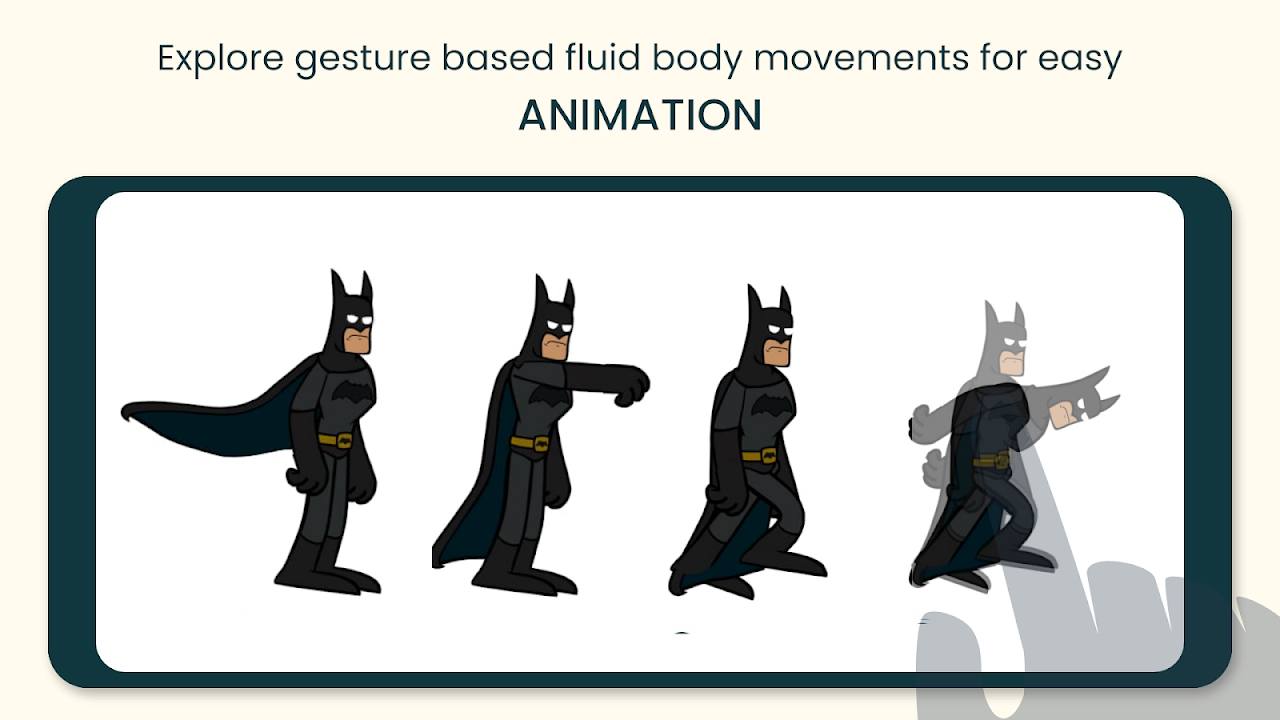
Say goodbye to drawing thousands of repetitive frames. In TweenCraft, animation is as simple as repositioning your character's limbs, head, and torso between timeline keyframes. The engine automatically calculates smooth interpolations (tweening), resulting in fluid, natural character movements effortlessly.
2. Automated Lip-Sync & AI Voice Modulation
Bring your cartoons to life with your own voice. Simply tap record and speak your dialogue. TweenCraft's intelligent audio analyzer automatically synchronizes the character's facial expressions and lip movements to your words. Furthermore, apply built-in vocal filters to transform your voice into hilarious cartoon pitches, robotic effects, or monstrous tones.
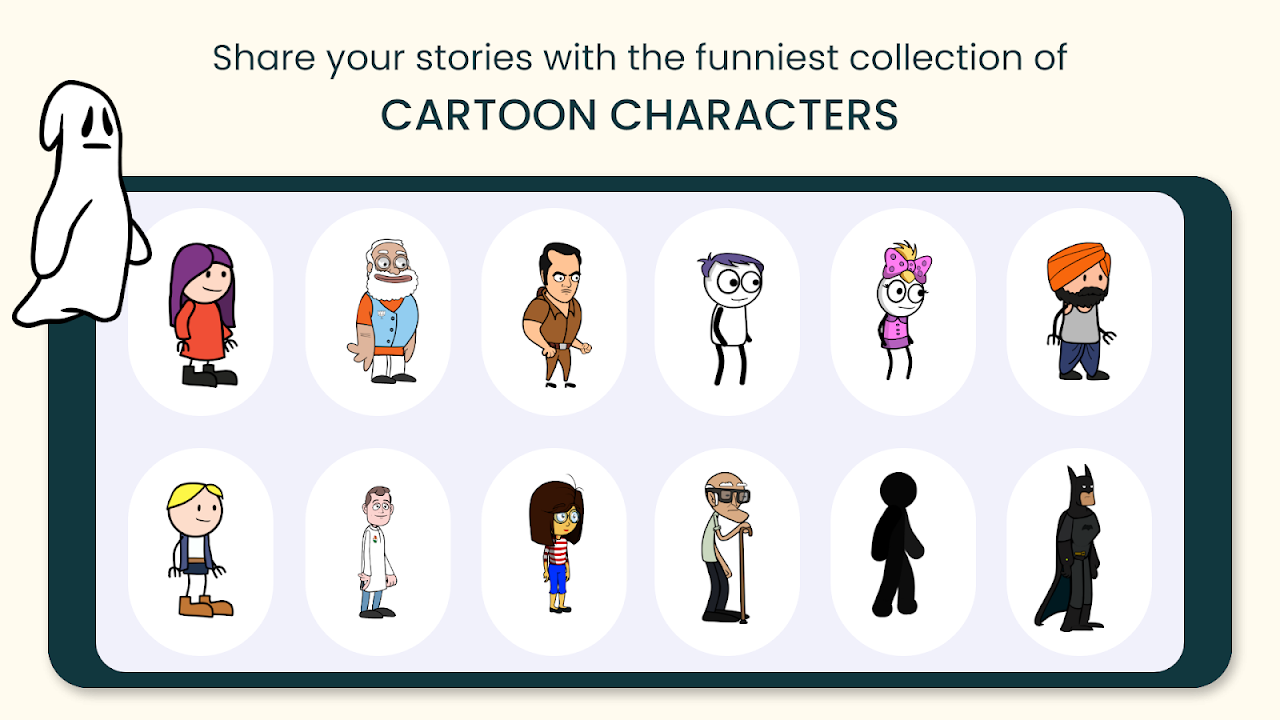
3. Expansive Asset Library of Pre-Rigged Characters & Costumes
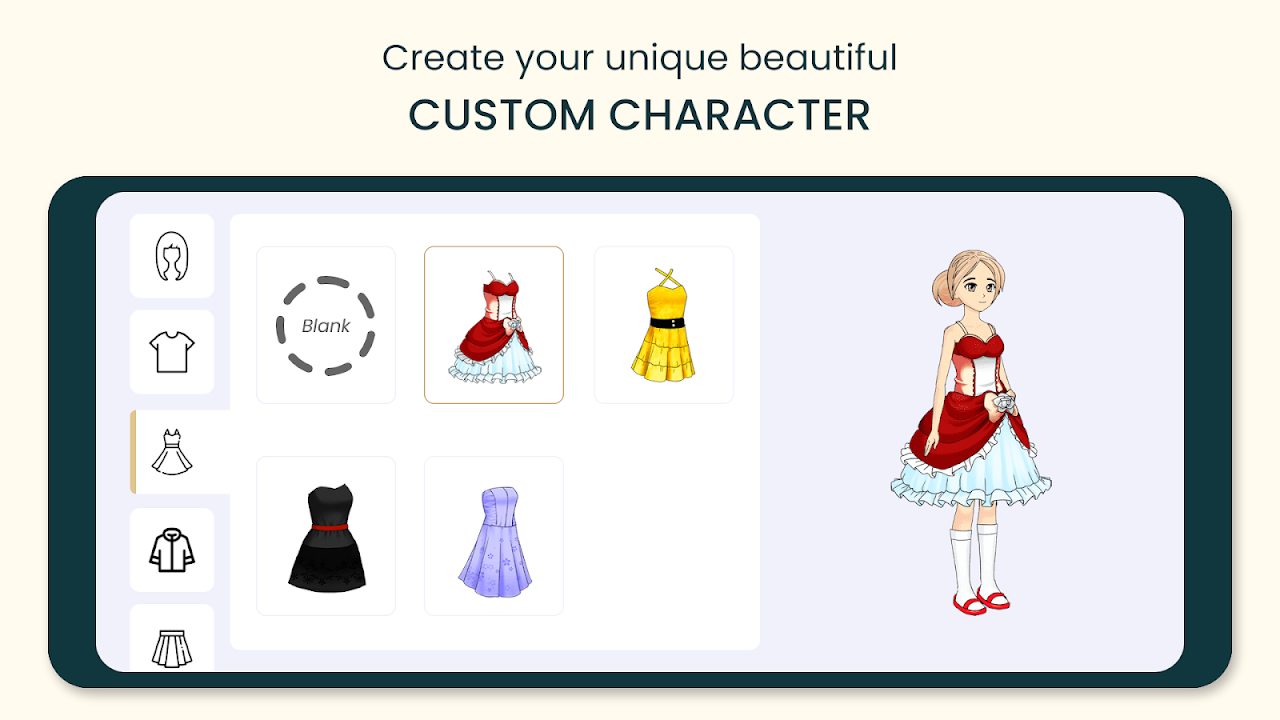
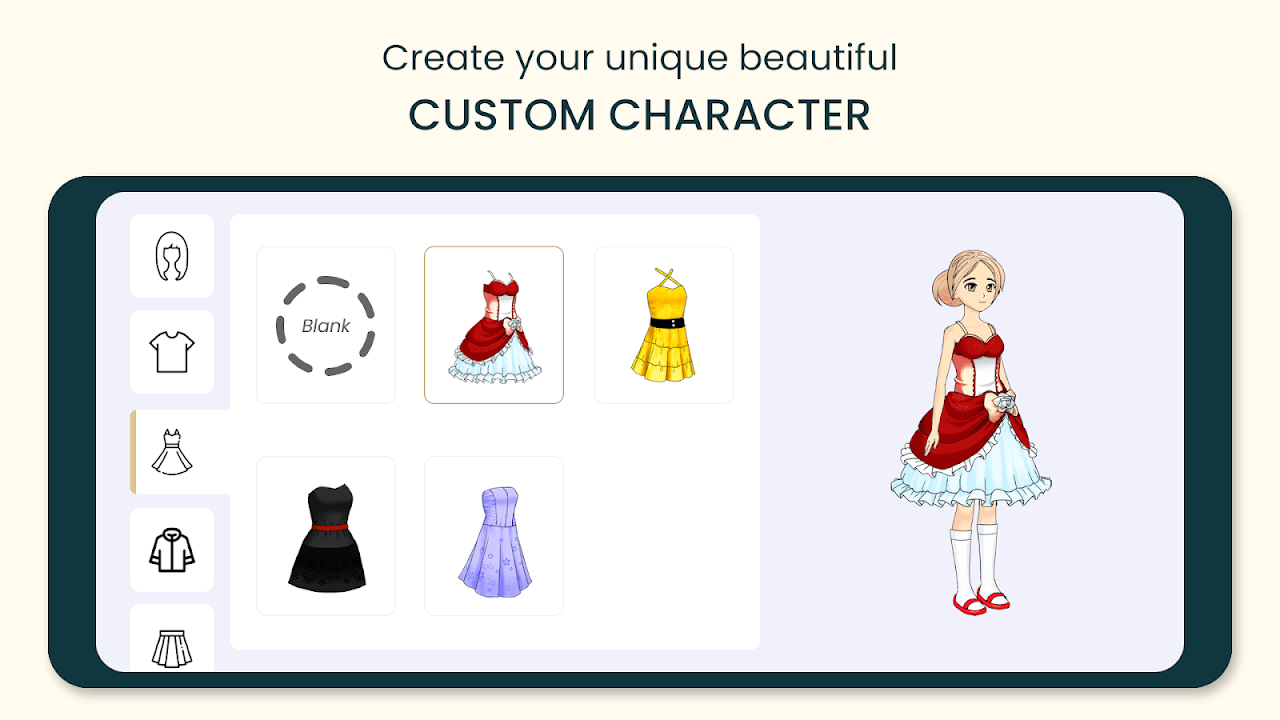
Choose from an extensive selection of pre-animated characters representing diverse ages, professions, and quirky personalities. Customize your avatars with hundreds of trendy hairstyles, clothing combinations, glasses, hats, and expressive facial emotes ranging from joyful laughter to dramatic crying.
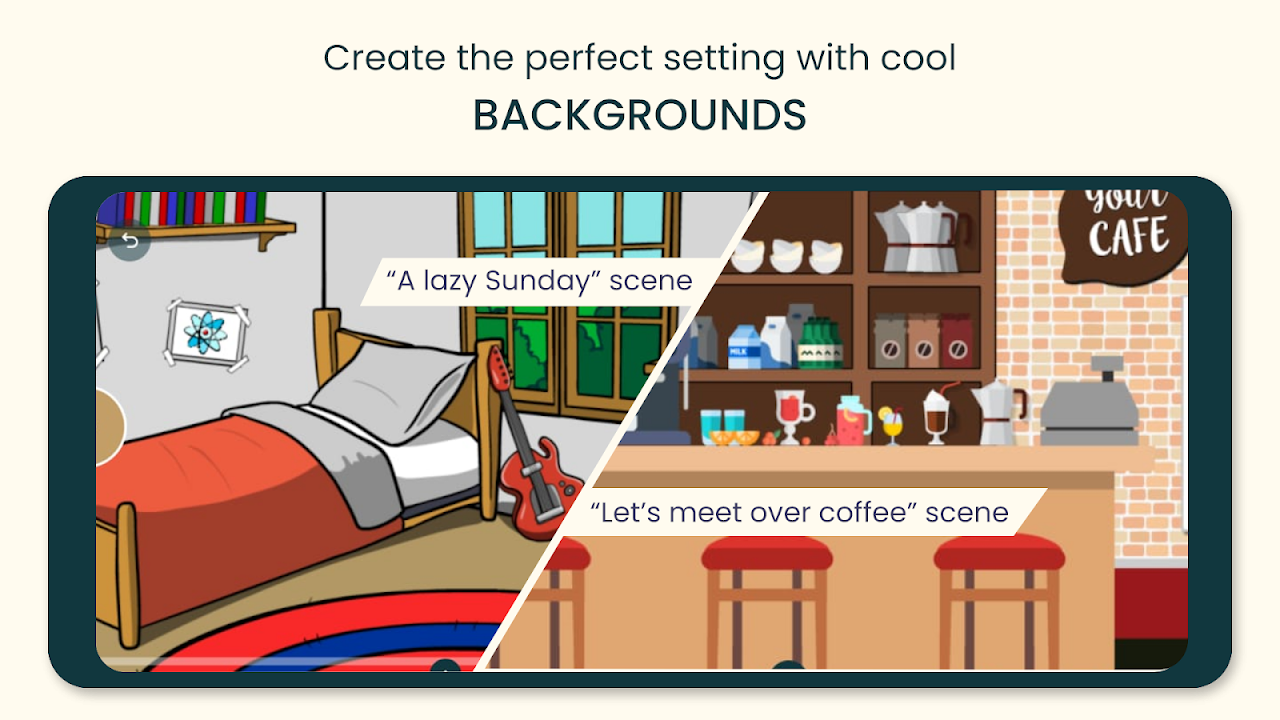
4. Vibrant Background Scenes & Interactive Props
Set the perfect stage for your story. Select from dozens of high-definition backgrounds, including bustling classrooms, cozy living rooms, corporate offices, outdoor cafes, space stations, and fantasy realms. Add interactive props like smartphones, coffee cups, cars, and musical instruments to enrich your scenes.
5. Dynamic Comic Sound Effects & Text Speech Bubbles
Enhance the comedic timing of your cartoons with an extensive soundboard of cartoon punches, swooshes, slapstick noises, dramatic tension stings, and background ambient tracks. Overlay customizable comic text bubbles to emphasize jokes and punchlines.
6. Direct High-Definition Video Export for Social Media
Render your finished animations in crystal-clear 1080p Full HD. Choose between standard 16:9 widescreen or vertical 9:16 aspect ratios optimized for immediate sharing on TikTok, Instagram Reels, and YouTube Shorts.
Pro Tips for Creating Viral Animations in TweenCraft
Master Comedic Timing with Pacing
Keep your keyframes compact for fast, energetic actions like jumping or punching, and add subtle delays before punchlines to build anticipation and maximize audience engagement.
Utilize Multi-Character Dialogue Sequencing
Record dialogue for one character first, then use the timeline scrub tool to position the responding character at the exact moment the first voice line finishes, creating seamless, organic banter.
How to Download and Install TweenCraft APK on Android
Follow these easy steps to get started with TweenCraft on your Android device:
- Download the APK: Tap the verified high-speed download link above to obtain the official
TweenCraft v1.875.0.apkpackage. - Enable Unknown Sources: Go to Settings > Security > Install Unknown Apps and allow permissions for your browser or file manager.
- Install the App: Open your Downloads folder, tap the APK, and select Install.
- Create Your First Cartoon: Launch TweenCraft, choose a background and character, and bring your unique stories to life!
Final Summary
TweenCraft: Cartoon Video Maker is the premier 2D animation powerhouse on mobile. Combining accessible drag-and-drop animation, automated lip-syncing, rich asset customization, and high-definition social exports, it unlocks endless creative possibilities. Download the official TweenCraft APK v1.875.0 today and become a cartoon creator!


No comments yet. Be the first!
Loading comments…