
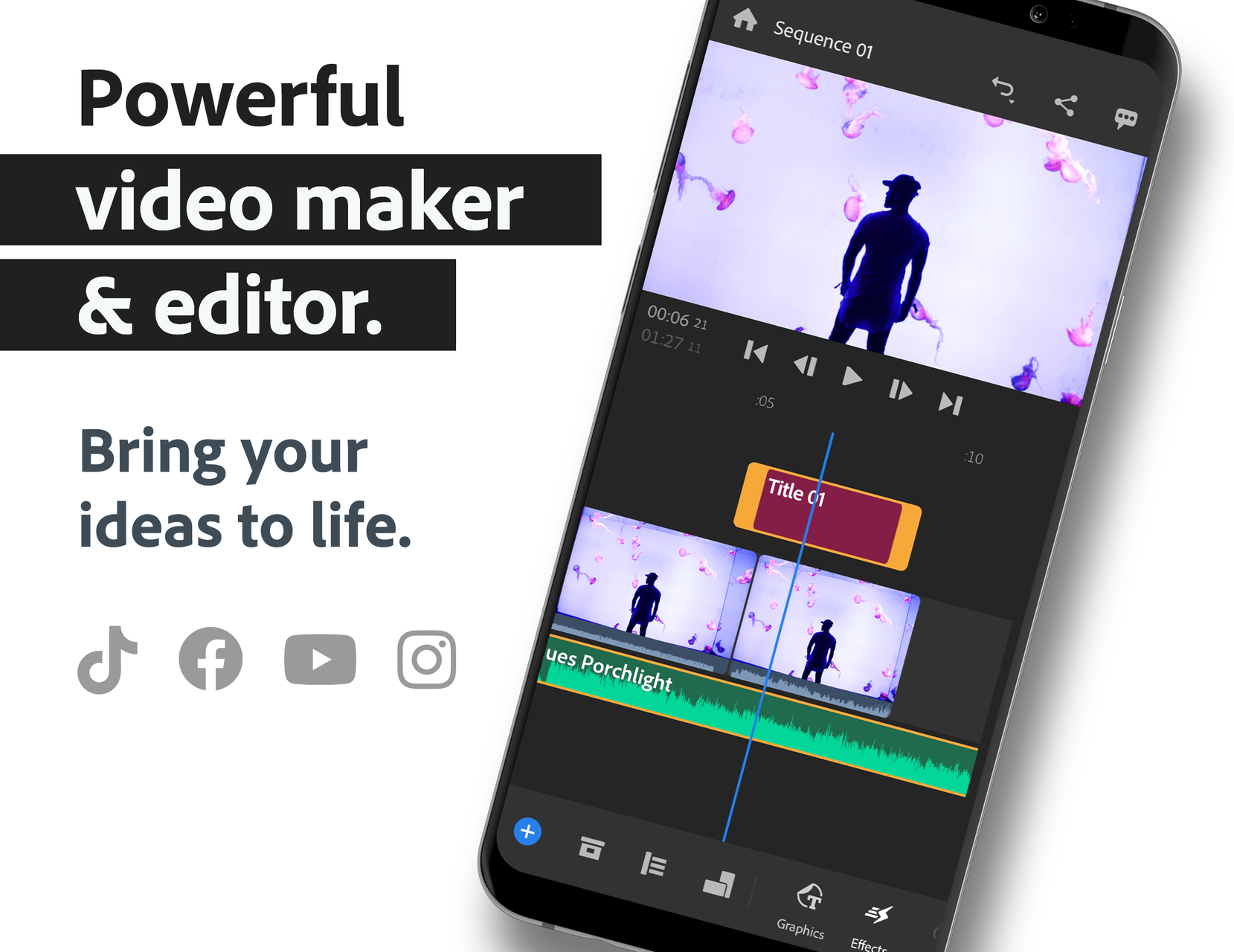
Transform your mobile video production workflow into a cinematic powerhouse with Adobe Premiere Rush: Video (v2.10.0) by Adobe. Designed specifically for digital storytellers, vloggers, YouTubers, TikTok influencers, and mobile cinematographers, Adobe Premiere Rush brings industry-standard video editing capabilities directly to your Android smartphone and tablet.
Pro-Grade Video Creation in the Palm of Your Hand
In Adobe Premiere Rush, capturing, cutting, color grading, audio mixing, and publishing professional-grade video content is fast, intuitive, and remarkably versatile. Combining the power of Adobe's desktop creative suite with a streamlined touchscreen interface, Premiere Rush empowers you to produce stand-out videos that captivate audiences across all major digital and social media platforms.
Key Features of Adobe Premiere Rush APK v2.10.0
1. Intuitive Multi-Track Timeline Editing
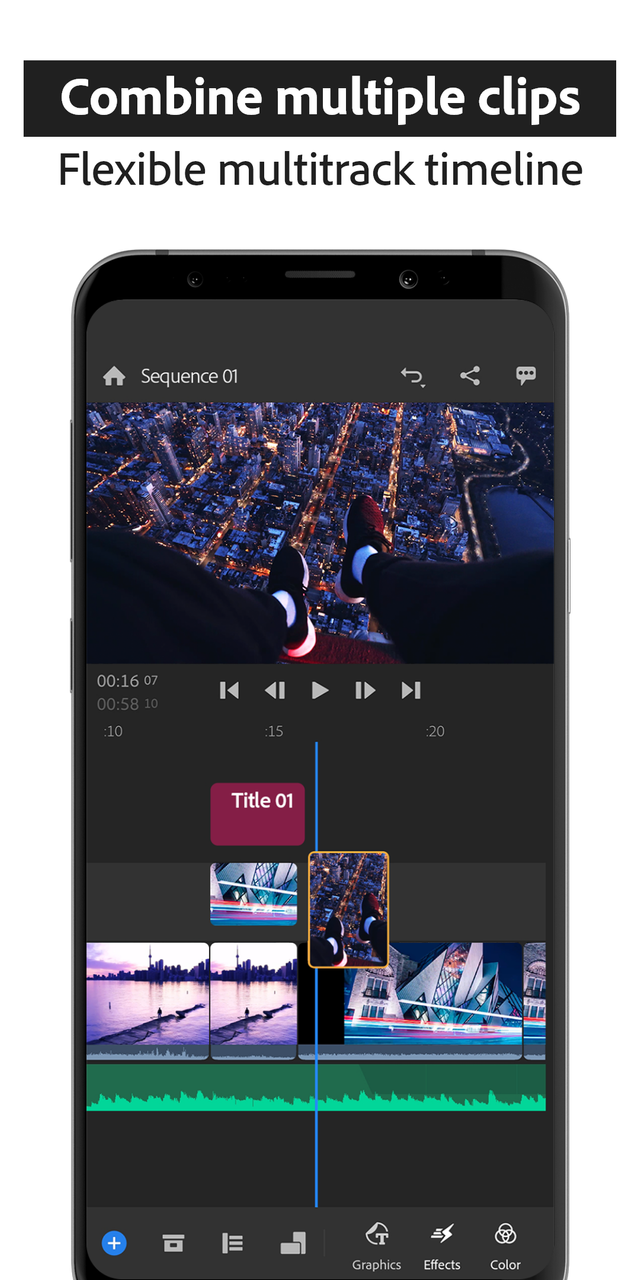
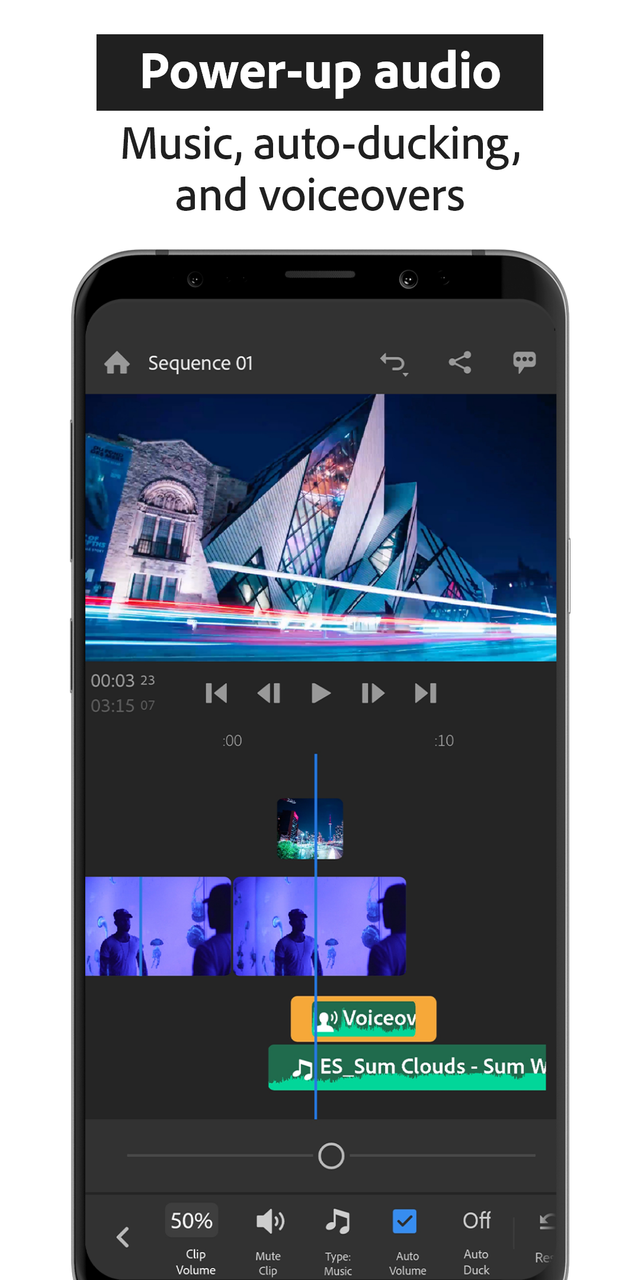
Arrange video clips, B-roll footage, voiceovers, background music, and title graphics across up to four video tracks and three dedicated audio tracks. Trim clips with frame-by-frame precision, split scenes effortlessly, duplicate elements, and overlay picture-in-picture (PiP) videos with seamless drag-and-drop flexibility.
2. Built-In Pro Camera Functionality
Capture high-quality video footage directly within the app using the built-in professional camera mode. Take full manual control over exposure, white balance, focal length, ISO, and shutter speed to shoot crisp 4K and 1080p clips before you even begin editing.
3. Customizable Animated Titles & Motion Graphics
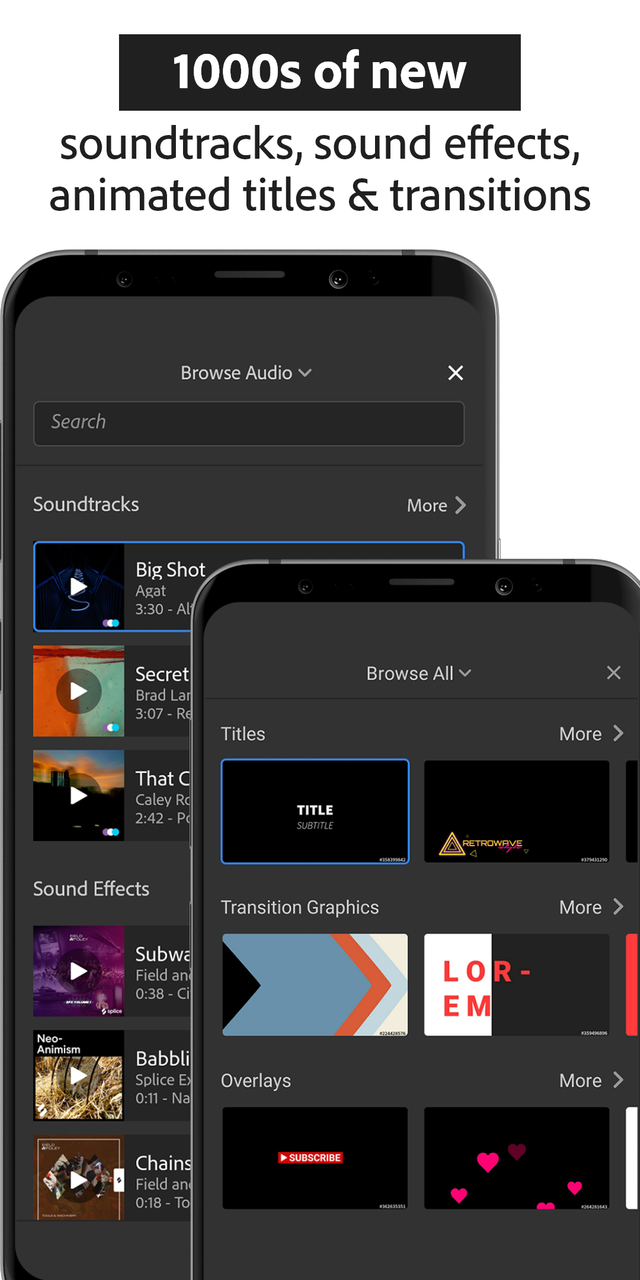
Elevate your storytelling with dozens of professionally designed built-in motion graphics templates. Customize typography, fonts, colors, line spacing, sizing, and animation timings to match your personal brand or channel aesthetic without needing external software.
4. Advanced AI Auto-Ducking & Audio Mixing Tools
Achieve studio-quality audio balance in seconds. The intelligent Auto-Ducking feature automatically detects when someone is speaking and lowers the background music volume accordingly. Fine-tune your soundtracks with built-in noise reduction, speech enhancement, and equalization sliders.
5. Cinematic Color Grading & Built-In LUT Presets
Give your footage a distinctive cinematic flair. Choose from a rich library of built-in color presets or manually adjust temperature, tint, vibrance, exposure, contrast, highlights, shadows, and vignette intensity to craft the perfect mood.
6. One-Click Social Media Reformatting & Auto-Reframe
Reformat your projects for any destination with a single tap. Easily switch between widescreen (16:9 for YouTube), vertical (9:16 for TikTok, Instagram Reels, and YouTube Shorts), square (1:1), and portrait (4:5) while maintaining subject focus across every frame.
7. Creative Cloud Cloud Sync & Desktop Hand-Off
Start cutting a video on your Android phone during your daily commute and seamlessly open the exact same project inside Adobe Premiere Pro on your Windows or Mac workstation for advanced multi-cam editing and finishing.
Pro Video Editing Tips for Adobe Premiere Rush
Utilize Magnetic Snap and Ripple Edits
Keep the magnetic timeline snap feature enabled to ensure your cuts, transitions, and text overlays snap perfectly to edit points without leaving unwanted blank frames or audio gaps.
Export High-Bitrate Master Files
When rendering your final cut for social distribution, select the highest available bitrate and frame rate (up to 4K at 60 FPS) in the advanced export settings to minimize compression artifacts upon social upload.
How to Download and Install Adobe Premiere Rush APK on Android
Follow these simple instructions to install the official video editor on your Android device:
- Download the APK: Tap our verified high-speed download link above to obtain the official
Adobe Premiere Rush v2.10.0.apkpackage. - Enable Unknown Sources: Go to Settings > Security > Install Unknown Apps and authorize your file manager.
- Install the App: Open your Downloads folder, select the APK file, and tap Install.
- Create Masterpieces: Open Adobe Premiere Rush, sign in with your Adobe ID, and begin crafting breathtaking videos on the go!
Final Summary
Adobe Premiere Rush sets the gold standard for mobile video editing on Android. Combining multi-track versatility, AI audio intelligence, cinematic color tools, and direct social reformatting, it offers everything content creators need to produce world-class videos on the fly. Download the official Adobe Premiere Rush APK v2.10.0 today and unleash your creative storytelling potential!















No comments yet. Be the first!
Loading comments…