
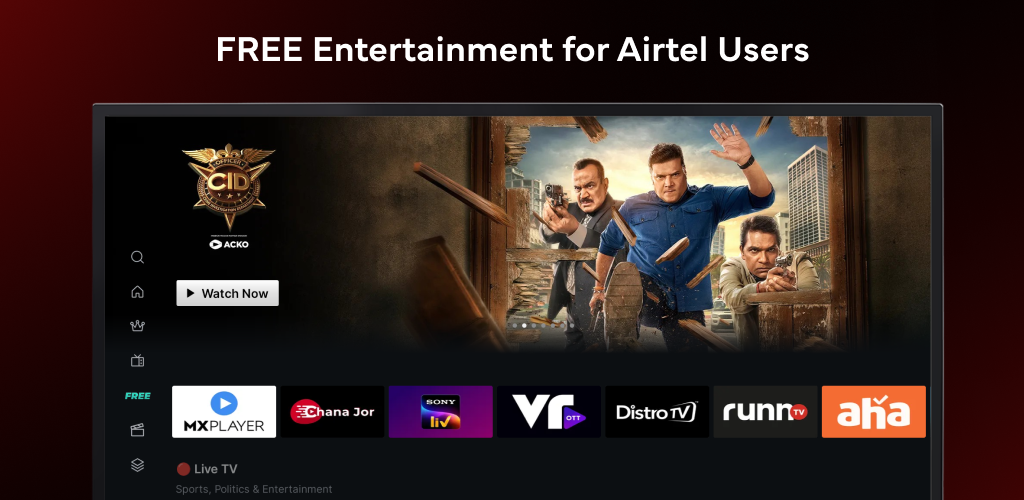
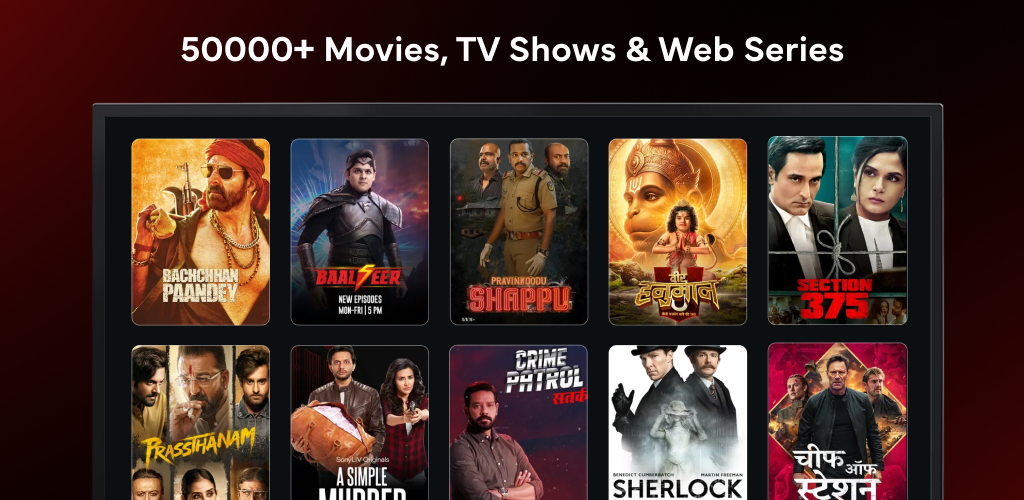
Transform your living room into a cinematic entertainment powerhouse with Xstream Play - Android TV (v2.4.6) by Airtel. Built from the ground up for the big screen, Xstream Play is a premier all-in-one entertainment aggregation platform that combines blockbusters, binge-worthy web series, live sports, and regional TV channels from over 20+ leading OTT services into one unified, seamless television experience.
One App, Endless Entertainment on Your Big Screen
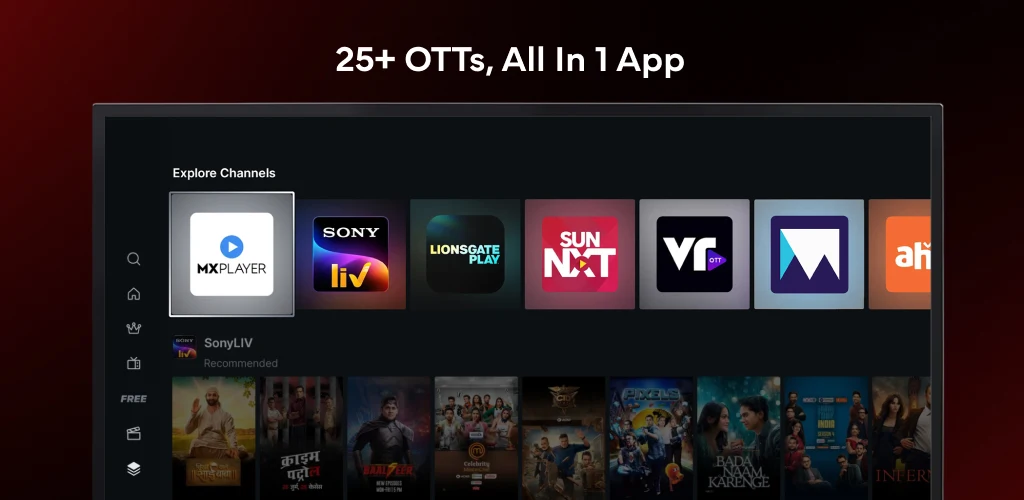
In today's fragmented streaming landscape, managing multiple subscriptions, logging into separate apps, and endlessly switching between interfaces can quickly turn movie night into a frustrating chore. Xstream Play solves this problem by bringing together massive content libraries from powerhouse providers like SonyLIV, Lionsgate Play, FanCode, Chaupal, Hoichoi, and SunNXT under a single master dashboard. With a single search bar and unified recommendations, finding what you love has never been simpler.
Key Features of Xstream Play - Android TV APK v2.4.6
1. Massive Multi-OTT Content Aggregation
Enjoy instant access to tens of thousands of Hollywood blockbusters, Bollywood hits, critically acclaimed regional cinema, and international documentaries from more than 20 partner streaming platforms without juggling multiple logins.
2. Live TV Channels & High-Octane Sports
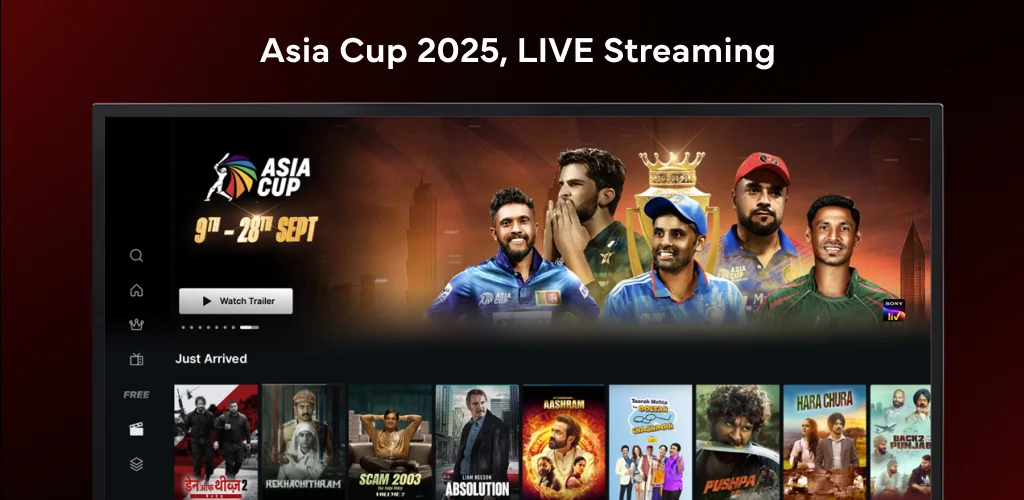
Stream real-time television broadcasts and exhilarating sporting events. Watch international cricket tournaments, football leagues, Formula 1 racing, and breaking news channels directly from your television homepage.
3. Breathtaking 4K Ultra HD & Dolby Sound
Experience movies and shows the way directors intended. Compatible titles feature true 4K HDR visuals with rich color gamuts and multi-channel Dolby Atmos / 5.1 surround sound for true theater-grade audio-visual fidelity.
4. Intuitive 10-Foot Leanback User Interface
Designed specifically for television viewing distances, the clean UI ensures effortless navigation using standard D-pad TV remotes. Browse horizontally through curated carousels, resume watching from your history strip, and discover new trending content instantly.
5. Voice-Enabled Smart Search & Unified Discovery
Utilize your Android TV remote's microphone to search across all integrated OTT catalogs simultaneously. Simply say the actor's name, movie title, or genre to bring up all available streams in seconds.
6. Multi-User Profiles & Robust Parental Controls
Create personalized profiles for every family member. Set up safe kids' zones with age-appropriate content filters and PIN-protected access to ensure young viewers only access family-friendly entertainment.
Best Practices for Optimizing Your Android TV Streaming
Set Adaptive Bitrate to Best Match Your Internet
Ensure your Wi-Fi router operates on the 5 GHz band or connect via Ethernet cable to achieve buffer-free 4K streaming during high-traffic evening hours.
Utilize the 'Continue Watching' Universal Hub
Bookmark ongoing web series across different OTT providers directly on your home carousel so you can pick up right where you left off with a single tap of your remote.
How to Download and Install Xstream Play APK on Android TV
Follow these straightforward steps to sideload or install the official app on your Android TV or Firestick:
- Download the APK: Use our direct high-speed download link above to download
Xstream Play TV v2.4.6.apk. - Transfer to TV: Copy the file to a USB drive or transfer it wirelessly using apps like Send Files to TV.
- Enable Installation: Go to Settings > Device Preferences > Security & Restrictions > Unknown Sources and permit your file manager.
- Install and Launch: Open your TV File Manager, select the APK, tap Install, and begin streaming your favorite shows in 4K!
Final Verdict
Xstream Play - Android TV is the ultimate streaming aggregator for modern Smart TV owners, delivering an expansive library of movies, shows, and live sports in a sleek, remote-friendly package. Download the official Xstream Play Android TV APK v2.4.6 today and upgrade your living room entertainment experience!















No comments yet. Be the first!
Loading comments…