

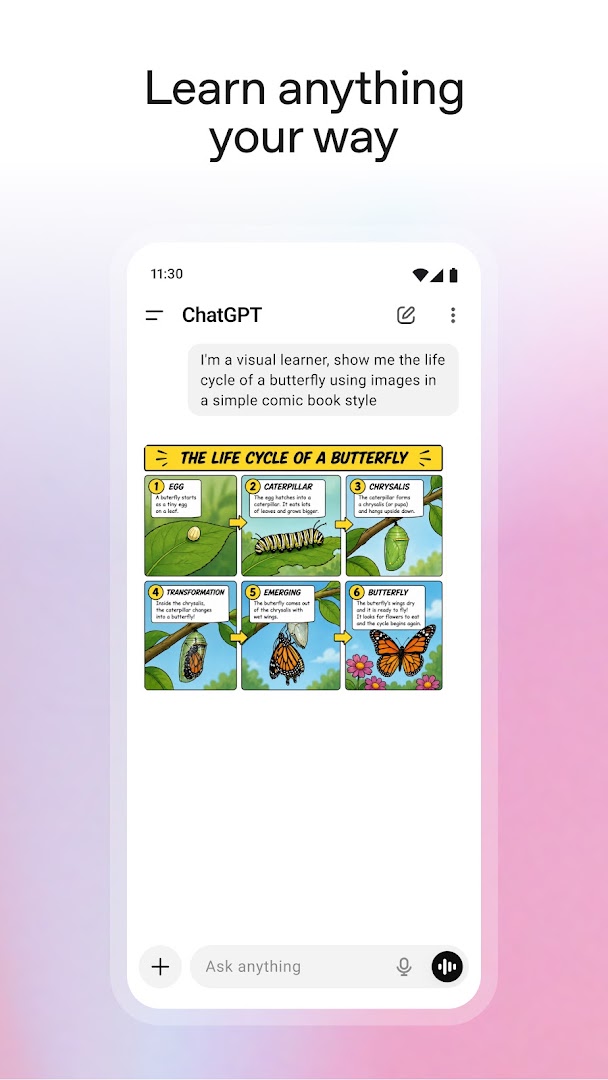
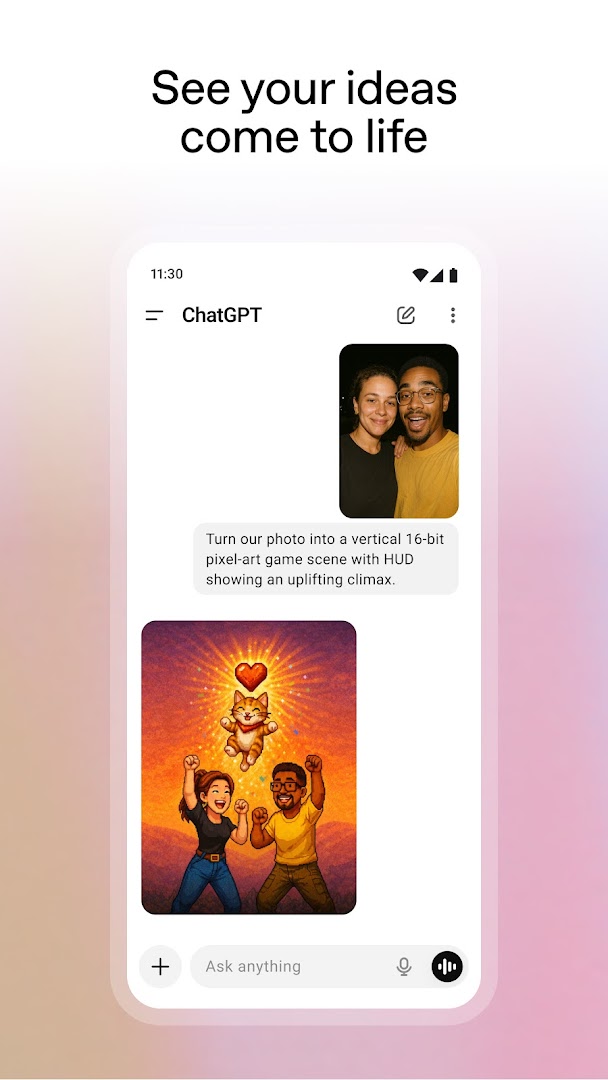
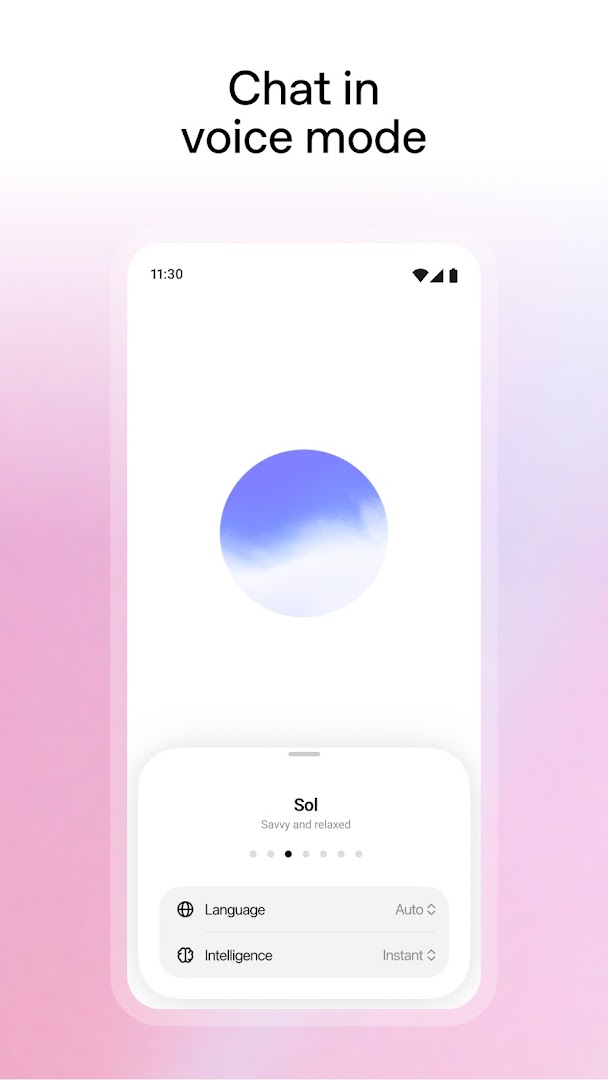
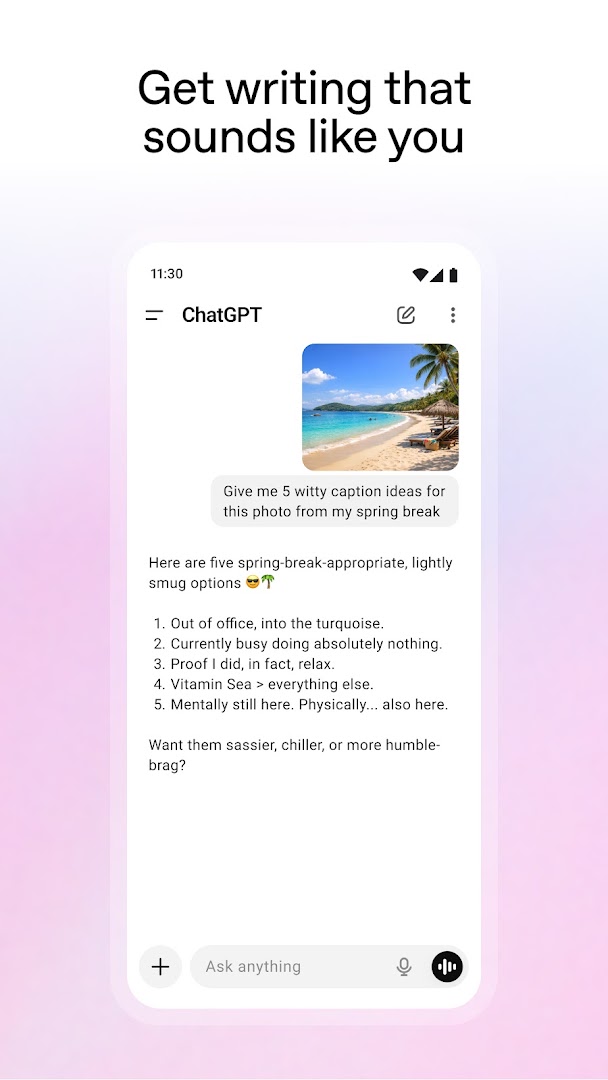
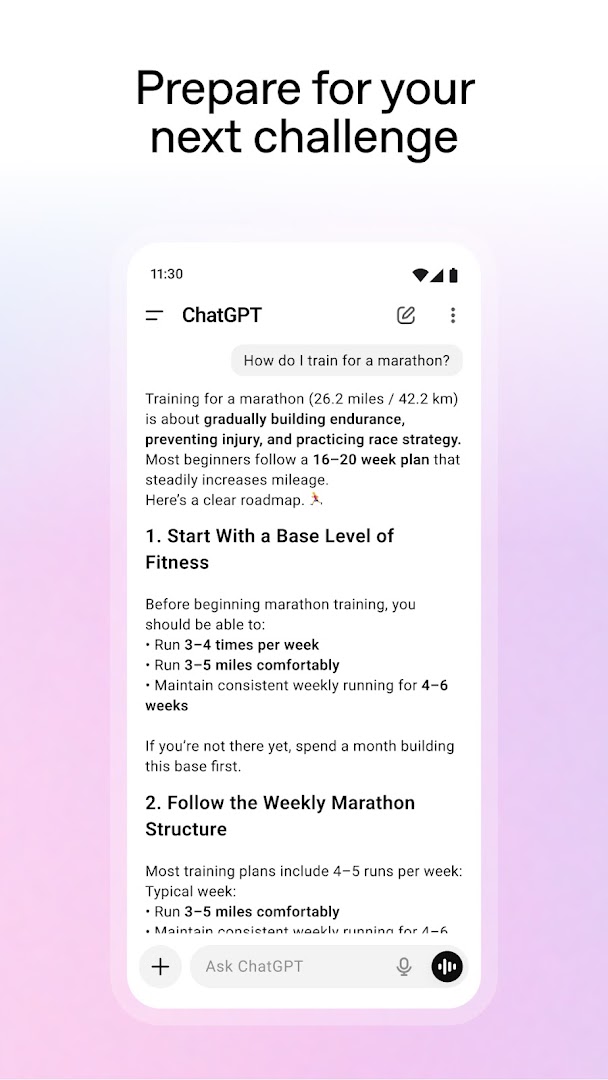
The dawn of generative artificial intelligence has fundamentally transformed how people communicate, learn, work, and create. Developed by OpenAI, the ChatGPT APK for Android (v1.2026.230) places the world's most capable multi-modal conversational AI assistant directly in the palm of your hand. Whether you need instant factual answers, tailored writing assistance, complex programming debugging, creative brainstorming, or real-time spoken conversations, ChatGPT delivers unmatched intelligence in a sleek, intuitive mobile interface.
Empowering Daily Productivity with Advanced Artificial Intelligence
Gone are the days of sifting through endless search engine pages to find specific answers. ChatGPT acts as a personal tutor, creative collaborator, and productivity powerhouse available 24/7. By leveraging deep learning architectures trained on vast corpora of knowledge, the app comprehends context, subtleties, and complex instructions with astonishing nuance. From professional project management to everyday problem solving, ChatGPT adapts effortlessly to your unique communication style.
Key Features of ChatGPT APK for Android
1. Multi-Modal Intelligence: Text, Vision & Web Browsing
Interact with AI in whatever format suits your current situation:
- Instant Knowledge Retrieval: Ask complex questions across science, history, philosophy, finance, and daily life to receive concise, well-structured explanations.
- Visual Comprehension & Photo Analysis: Snap a photo of a handwritten math equation, broken household appliance, foreign language menu, or complex data chart to receive instant step-by-step guidance.
- Real-Time Web Search: Access up-to-the-minute global news, live stock prices, weather updates, and product comparisons through integrated web browsing.
2. Interactive Voice Mode with Human-Like Expressiveness
Experience hands-free spoken conversations that feel remarkably natural:
- Low-Latency Voice Interaction: Talk to ChatGPT on the go while walking, driving, or cooking, and receive fluid, conversational responses with human-like intonation.
- Diverse Voice Personas: Choose from multiple distinct vocal styles to match your personal preference.
- Real-Time Spoken Translation: Use voice mode as an instant two-way interpreter when traveling abroad or practicing foreign languages.
3. Professional Writing & Content Creation Suite
Overcome writer's block and streamline your content creation workflow:
- Drafting & Editing: Compose polished professional emails, formal reports, blog posts, resumes, cover letters, and academic essays in seconds.
- Tone Adjustment & Summarization: Condense long articles or meeting transcripts into bullet points, or adjust your writing style from casual to authoritative.
- Creative Storytelling: Brainstorm video scripts, poetry, songwriting lyrics, social media captions, and advertising copy effortlessly.
4. Coding Assistant, Debugger & Technical Problem Solver
Accelerate your software development workflows:
- Multi-Language Code Generation: Write clean, functional code in Python, JavaScript, TypeScript, C++, Java, Kotlin, Swift, SQL, HTML/CSS, and Rust.
- Automated Bug Finding: Paste error logs or broken code snippets to receive immediate root-cause explanations and optimized bug fixes.
- Architecture & Algorithm Explanation: Learn complex computer science algorithms, database design patterns, and system architectures with interactive examples.
5. DALL-E 3 Image Generation Inside the Chat
Turn your imagination into stunning digital visuals:
- Text-to-Image Creation: Describe any visual scene, artistic style, character concept, or logo design to generate high-resolution images within seconds.
- Iterative Image Editing: Refine specific details, colors, or elements of previously generated pictures simply by typing conversational adjustments.
Pro Tips to Maximize Your ChatGPT Experience on Mobile
- Set Up Custom Instructions: Go to Settings > Custom Instructions to tell ChatGPT who you are, how you want responses formatted, and your preferred tone.
- Use the Widget for Instant Access: Add the ChatGPT home screen widget to start voice chats or snap photos with a single tap.
- Organize Projects with Custom GPTs: Access specialized custom GPT assistants tailored for specific tasks like fitness coaching, coding mentors, or language tutors.
- Enable Multi-Factor Authentication: Protect your OpenAI account and chat history by enabling two-factor authentication in security settings.
- Leverage Voice Input for Fast Prompting: Tap the microphone icon to dictate long, detailed prompts without typing manually.
How to Download and Install ChatGPT APK on Android
- Download the Official APK: Tap the secure download button above to get the official
ChatGPT v1.2026.230.apk(62.5 MB). - Enable Unknown Sources: Go to Settings > Security > Install Unknown Apps and allow your browser or file manager.
- Install the App: Open your Downloads folder and tap Install.
- Sign In and Start Chatting: Log in with your Google, Apple, or OpenAI credentials to instantly sync your history and begin enjoying world-class AI assistance!
Conclusion
ChatGPT APK for Android is the ultimate intelligent companion that empowers your daily productivity, learning, and creativity. With cutting-edge conversational intelligence, natural voice dialogues, image generation, and cross-platform synchronization, it represents the gold standard of mobile AI. Download the official latest version today and elevate your mobile experience to the next level!














No comments yet. Be the first!
Loading comments…