
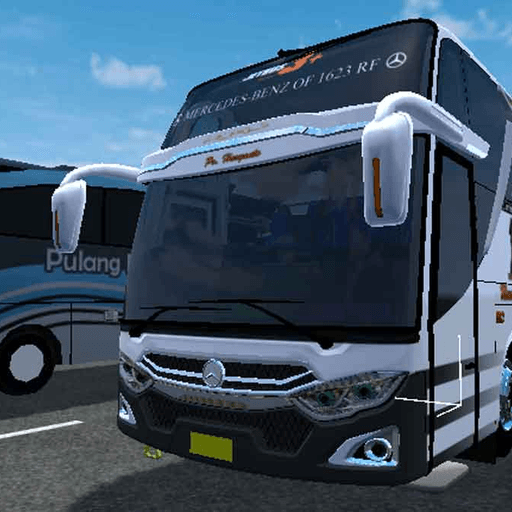
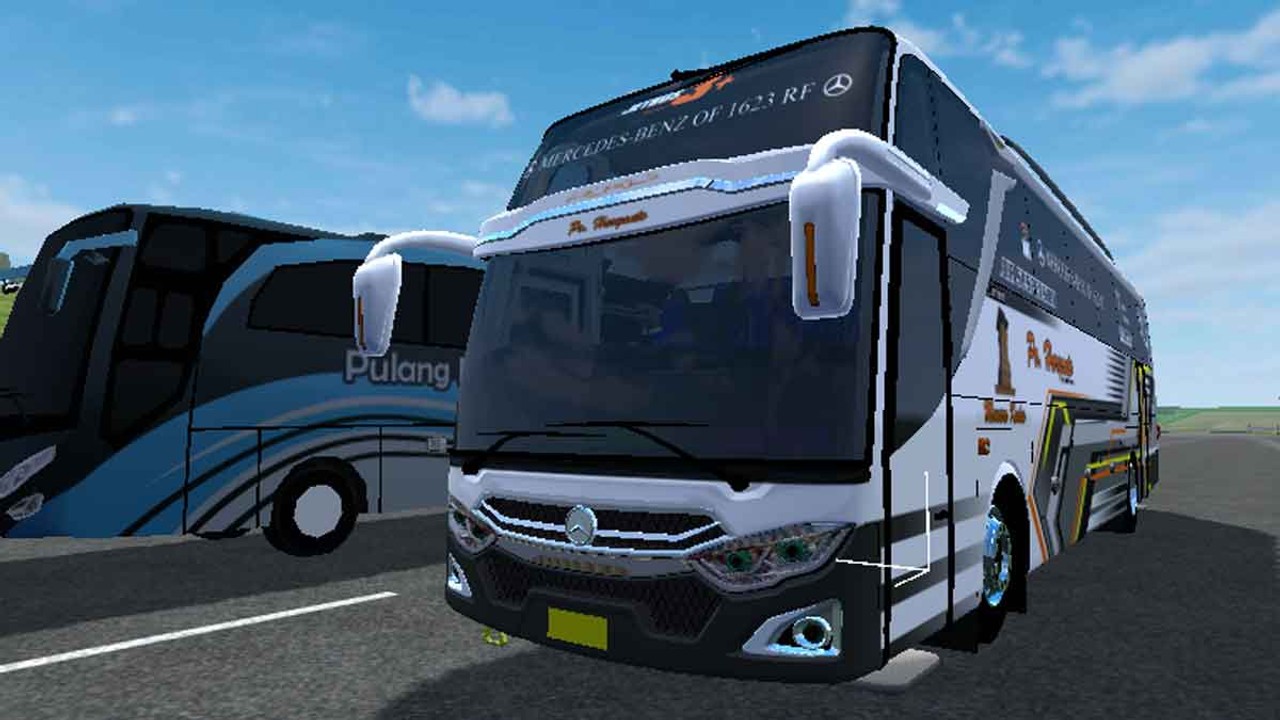
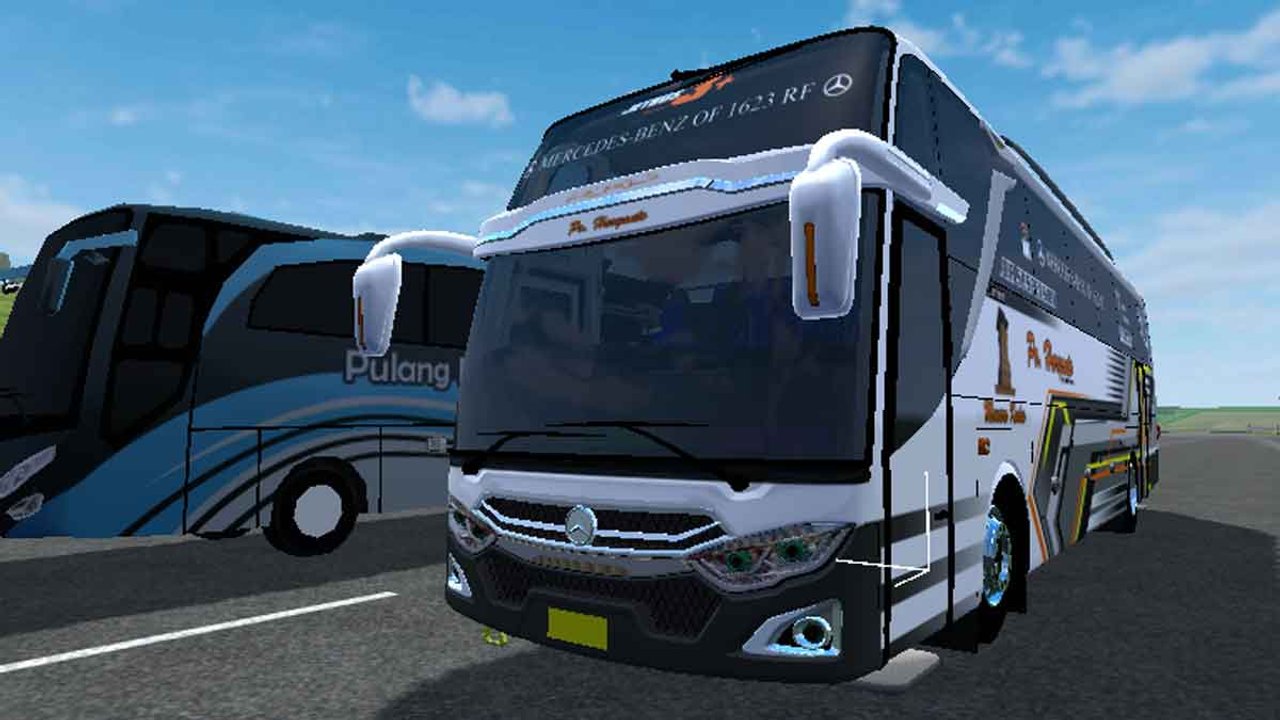
Introduction: Hit the Indonesian Highways with the JB3+ MHD Front Engine BUSSID Mod
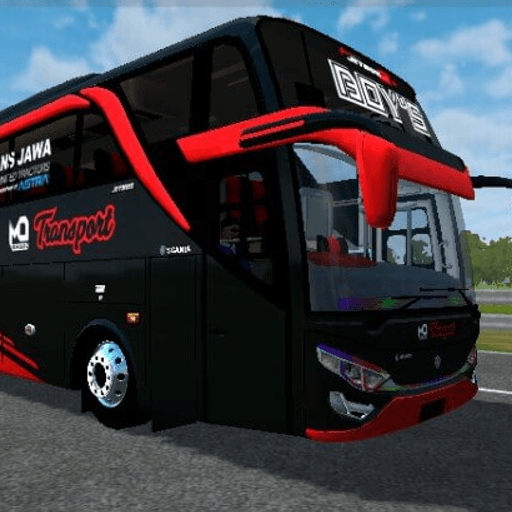
Immerse yourself in the authentic pulse of Indonesian intercity bus transit with the JB3+ MHD Front Engine Mod for Bus Simulator Indonesia (BUSSID). Crafted by the celebrated modding collective MD Creation (with credits to Ztom, Muhammad Nasir, and Mukhlas), this high-fidelity vehicle modification brings the legendary Jetbus 3+ Medium High Deck (MHD) Mesin Depan to your mobile simulator. While most modern long-distance coaches feature rear-mounted powerplants, front-engine buses remain iconic workhorses across Java, Sumatra, and Bali—renowned for their raw mechanical horsepower, distinctive roaring acoustics, and rugged endurance.
Featuring an ultra-compact file size of just 7.8 MB, full multi-stage animation support, working digital dashboard gauges, dynamic strobe lighting, and bundled 4K HD liveries (including PO Haryanto HR 009 & HR 167), this mod provides an unrivaled driving experience for all BUSSID enthusiasts.
Why the JB3+ MHD Front Engine Mod is a Fan Favorite Among BUSSID Drivers
Unlike generic vehicle conversions with rigid physics and silent cabins, the JB3+ MHD Front Engine BUSSID Mod delivers comprehensive realism:
- Iconic Front-Engine Character: Meticulously modeled on front-engine chassis platforms (such as the Hino AK8 and Mercedes-Benz OF 1623), delivering authentic weight distribution and responsive highway handling.
- Raw Acoustic Sound Engineering: Experience custom engine audio recordings with realistic turbo spools, front-hood rumble, exhaust air brakes, and musical Basuri horn compatibility.
- Three Tailored Gameplay Variants: Choose between Full Anim, Standard Anim, and Non-Anim presets to match your device's graphical performance capabilities.
- Crisp 4K Livery Templates: Comes ready with official Indonesian bus operator skins, including PO Haryanto, with clean UV mapping for custom skin designers.
Key Features & Mechanical Details of the Jetbus 3+ Medium High Deck
Explore the engineering and aesthetic craftsmanship embedded within this exceptional BUSSID mod:
1. Authentic Front-Engine Acoustic Symphony
Feel the unmistakable vibration and guttural roar of a front-mounted diesel engine accelerating through high-speed toll roads and demanding mountain switchbacks.
2. Three Specialized Mod Variants
- Full Anim Variant: Features animated passenger doors, opening luggage cargo hatches, active engine bay hood, functioning dashboard dials, and realistic suspension bounce.
- Standard Anim Variant: Optimized for mid-range smartphones, retaining primary door animations and speedometer dials while maximizing frame rates.
- Non-Anim Variant: A featherweight edition designed specifically for entry-level devices to guarantee smooth 60 FPS gameplay.
3. Exquisite 3D Exterior & Double Glass Visor
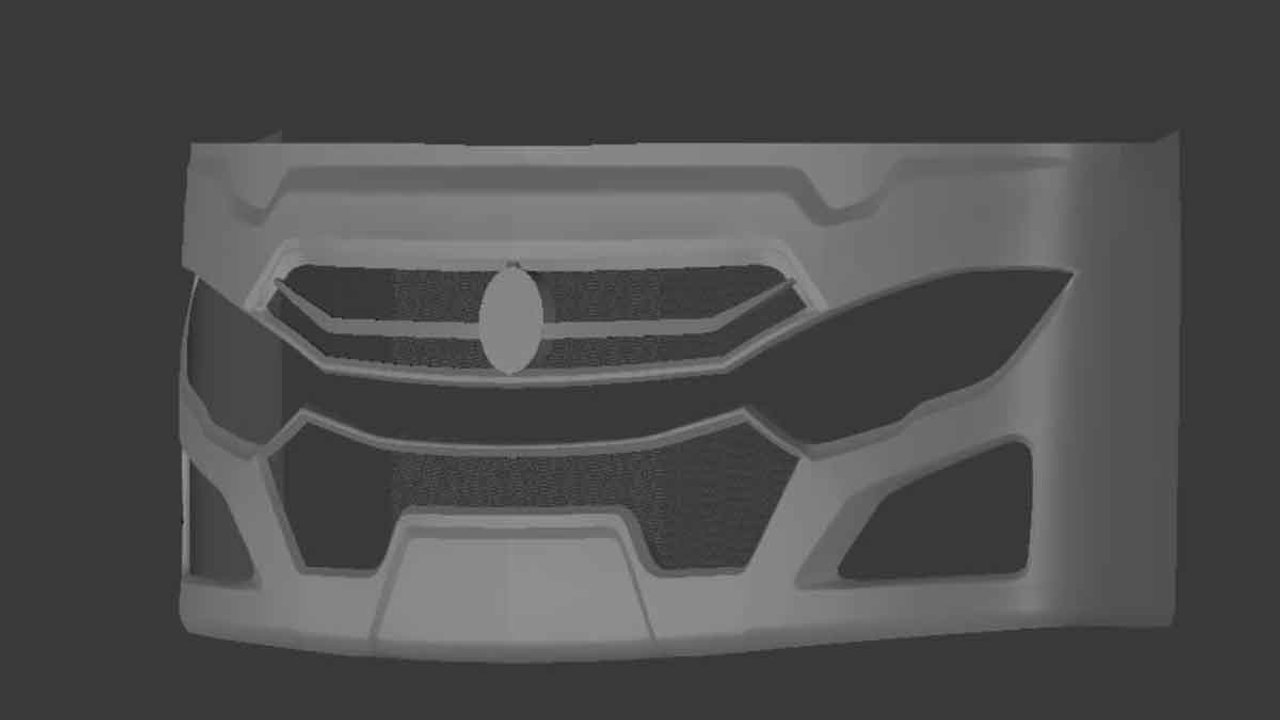
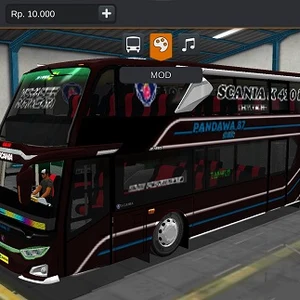
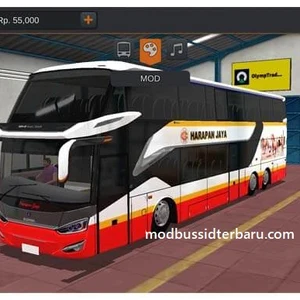
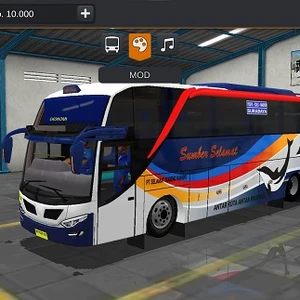
The exterior showcases Adi Putro's signature Jetbus 3+ aerodynamic lines, complete with double-glass windshield dividers, modern LED daytime running lights (DRL), and detailed chrome accents.
4. Luxurious Passenger Interior & Driver Cabin
Step inside a fully detailed passenger cabin featuring ergonomic recliner seats, overhead luggage racks, atmospheric ambient LED ceiling strips, and a realistic driver cockpit.
5. Dynamic Strobe Lights & Basuri Horn Integration
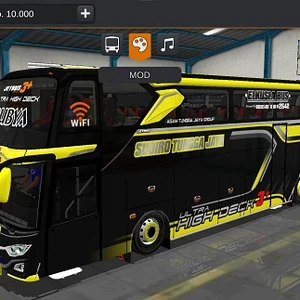
Equipped with eye-catching multicolored strobe bars across the upper visor and front bumper, perfectly synchronized for nighttime highway convoys and multiplayer convoy runs.
Step-by-Step Installation Guide: How to Install BUSSID Vehicle Mods & Liveries
Follow these quick instructions to install and drive your new JB3+ MHD bus in Bus Simulator Indonesia:
- Download the Mod Package: Tap our high-speed download link below to save the
.bussidmodor.rarfile. - Extract if Necessary: If downloaded as a
.raror.ziparchive, use a file extractor (such as ZArchiver) to extract the.bussidmodfile. - Move to the BUSSID Mods Directory: Using your device file manager, copy the
.bussidmodfile and paste it into theInternal Storage > BUSSID > Modsfolder. - Import Liveries: Move the accompanying PNG livery images to your
PicturesorDownloadfolder. - Activate in Game Garage: Launch Bus Simulator Indonesia, tap Garage from the left menu, scroll to your new JB3+ MHD bus, tap Use, apply your preferred livery, and hit the road!
Performance Optimization & Graphics Settings for Smooth 60 FPS
To enjoy the best visual fidelity and smoothest frame rates while driving the JB3+ MHD mod:
- Resolution Scaling: Set graphics to High with texture quality at High to appreciate the crisp 4K liveries.
- Shadows & Reflections: For older hardware, set mirrors to Low or Simple to prevent FPS drops during crowded city traffic.
- Frame Rate: Toggle 60 FPS in BUSSID's settings menu for ultra-smooth steering response.
Final Verdict: The Definitive Medium High Deck Experience for BUSSID
The JB3+ MHD Front Engine Mod for Bus Simulator Indonesia is an absolute must-have for simulator fans craving the authentic roar and feel of Indonesian transit culture. Download the mod today on ModHello and conquer the Pantura highway!









No comments yet. Be the first!
Loading comments…