
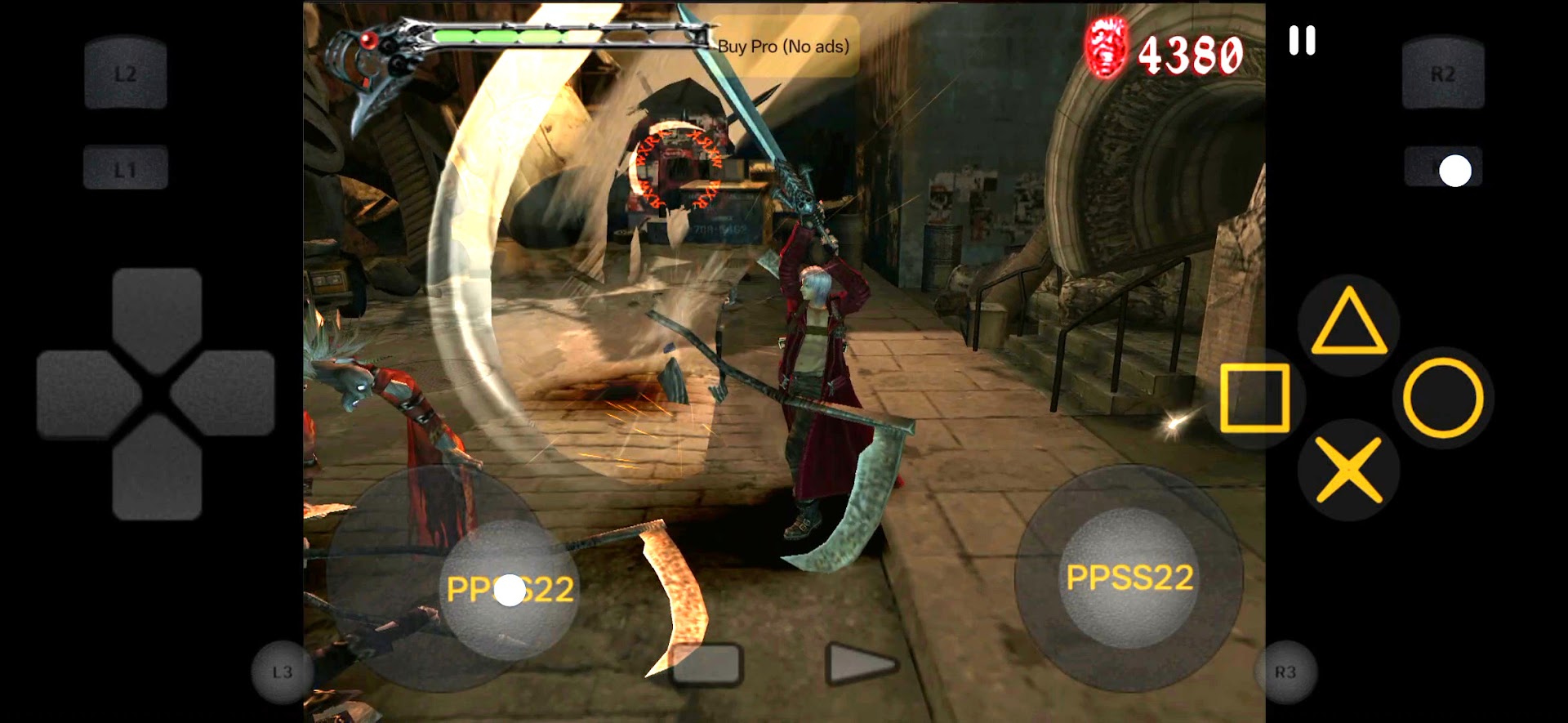
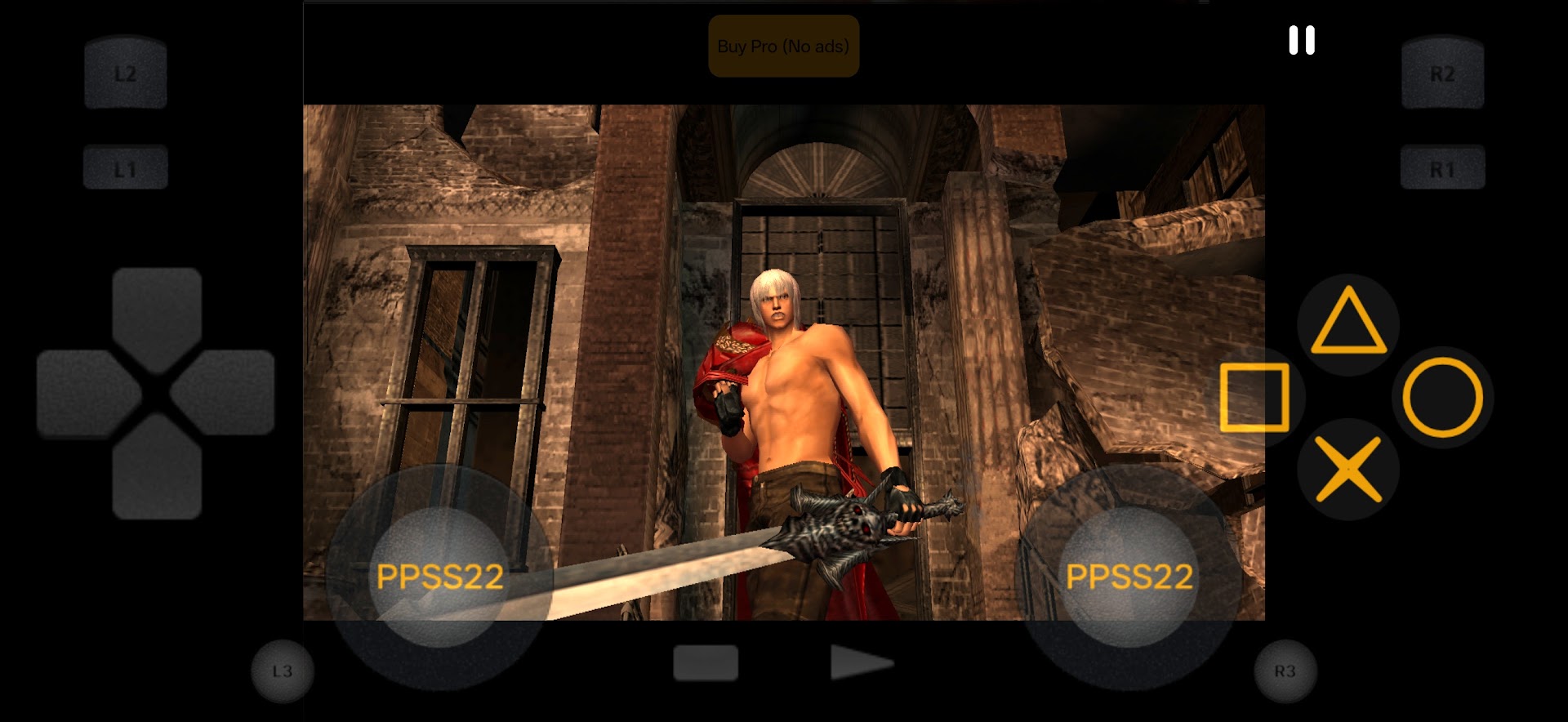
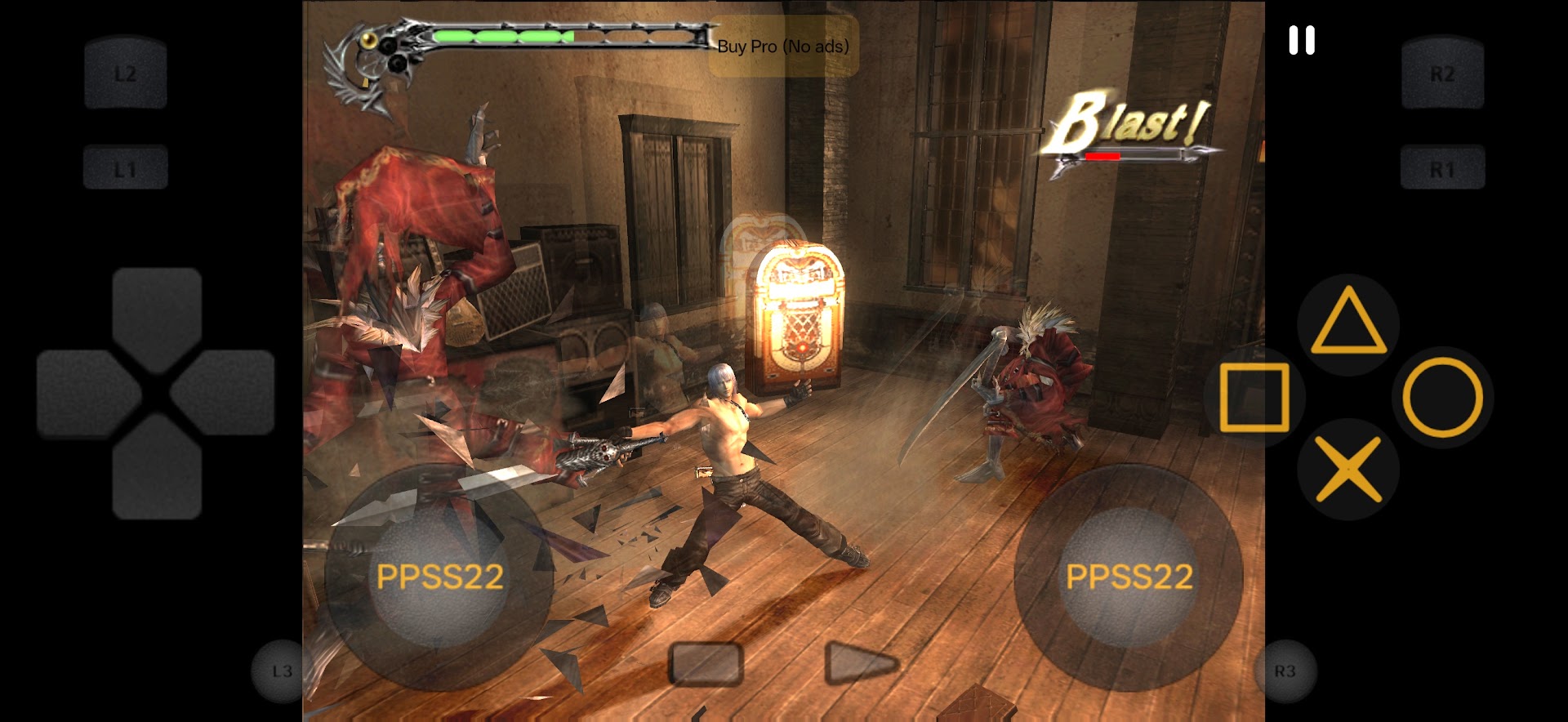
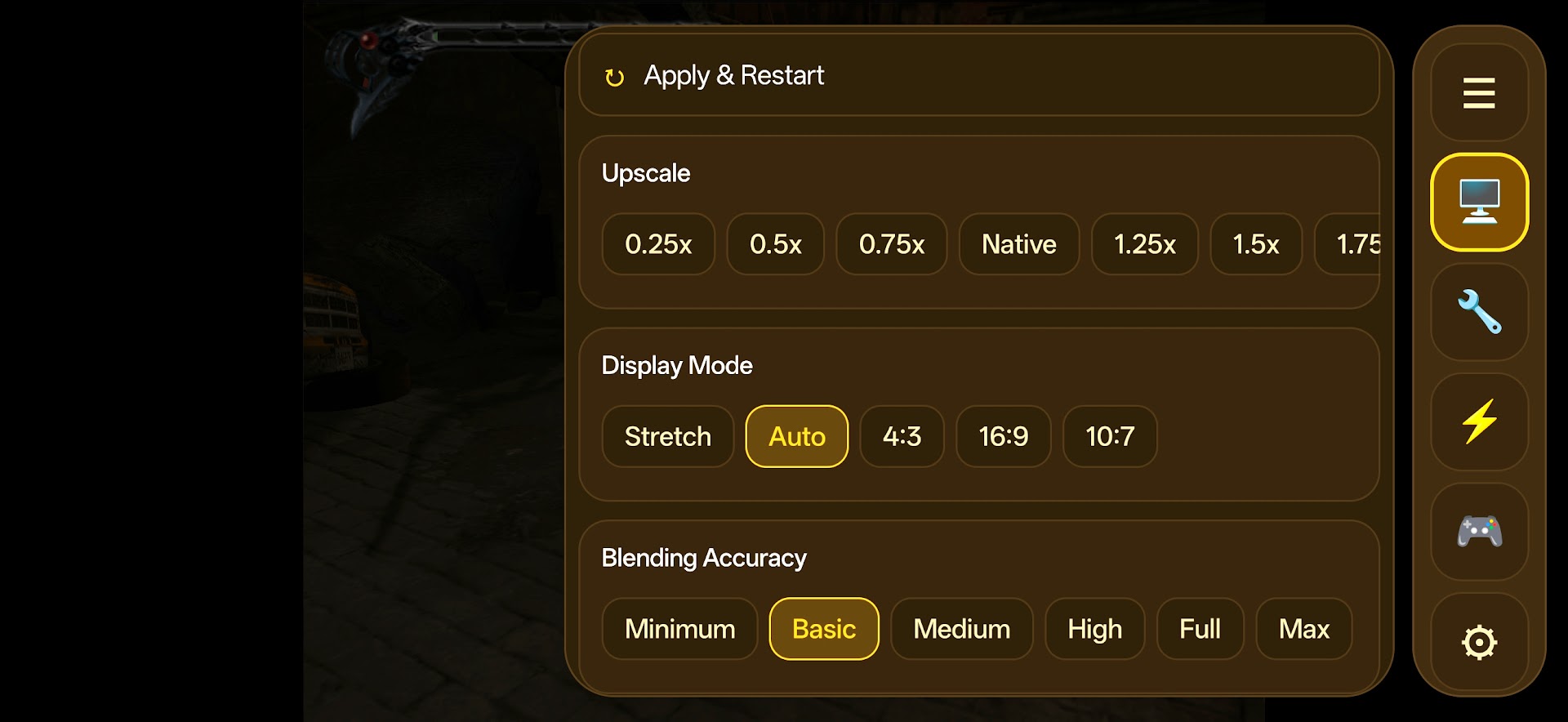
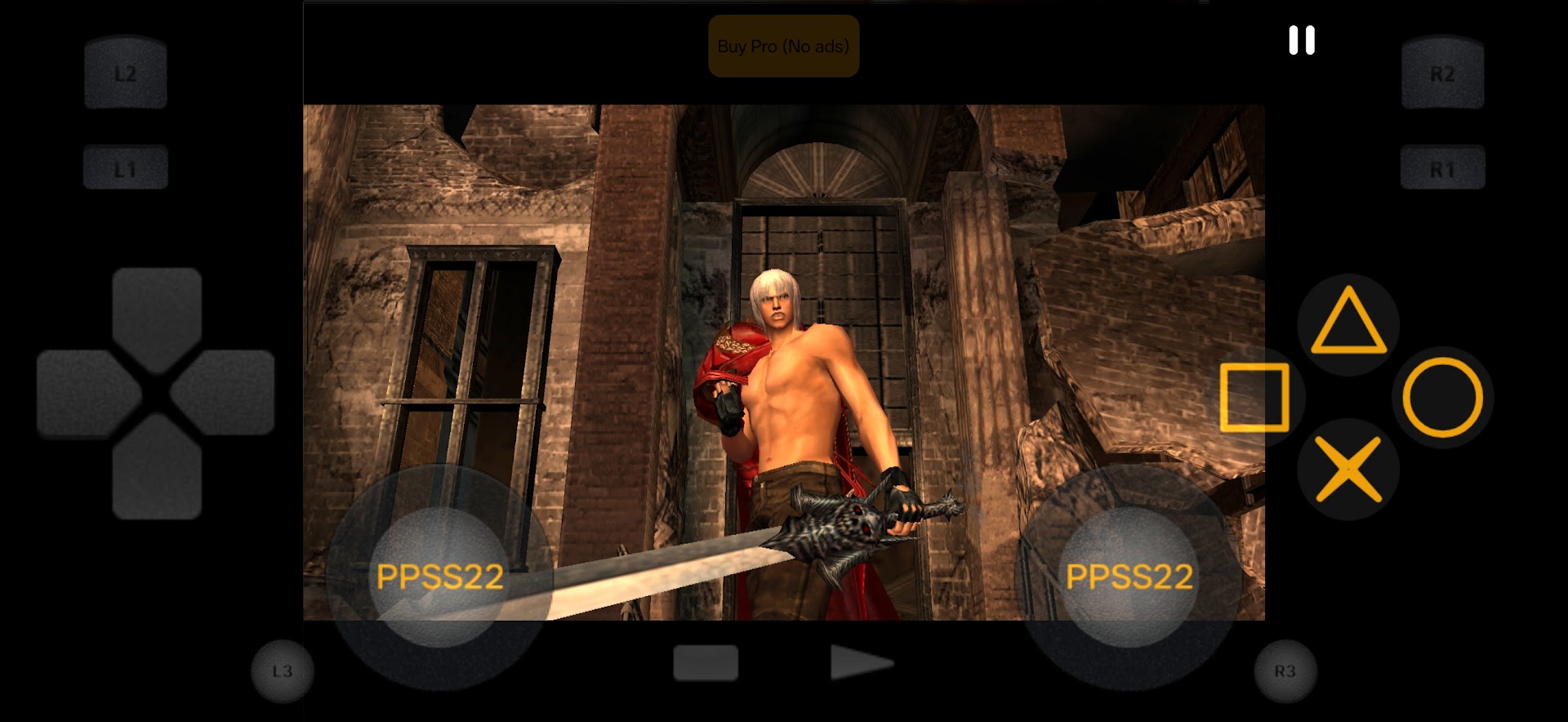
The golden era of sixth-generation 128-bit console gaming produced some of the most celebrated action, adventure, role-playing, and racing titles in video game history. Thanks to rapid advancements in mobile hardware architectures and ARM multi-threading optimization, Android gamers can now experience the vast PlayStation 2 library anywhere on the go. Developed by Blue Oliver's, PPSS22 Emulator APK (v446) provides an intuitive, feature-rich emulation platform tailored specifically for running classic retro titles with high-definition rendering and responsive control schemes.
Relive Timeless Gaming Classics on Modern Android Hardware
From epic open-world adventures and intense hack-and-slash brawlers to legendary fighting tournaments and arcade racers, the PlayStation 2 catalog remains unmatched in breadth and creativity. PPSS22 Emulator transforms modern smartphones and tablets into portable retro gaming powerhouses. By bridging the gap between desktop-grade emulation algorithms and mobile touch interfaces, the app allows users to enjoy their favorite backup game disks without requiring bulky original hardware or television setups.
Key Features of PPSS22 Emulator APK for Android
1. High-Performance Emulation Engine & Broad ROM Compatibility
Engineered for maximum stability and accurate instruction execution:
- Universal Disk Image Support: Seamlessly load and execute games stored in standard
.ISO,.BIN,.CSO, and compressed archive formats directly from internal storage or microSD cards. - Multi-Threaded ARM64 Architecture: Utilizes multi-core CPU threading to distribute emotion engine rendering, sound synthesis, and vector processing efficiently.
- Hardware Acceleration (OpenGL & Vulkan): Take full advantage of modern mobile GPU pipelines to deliver consistent frame rates and eliminate graphical stuttering.
2. High-Definition Upscaling and Visual Enhancement Filters
Experience classic games with vastly superior clarity compared to original hardware:
- Resolution Scaling (2x to 5x Native HD): Upscale rendering from original 480i/480p up to 1080p and 2K quad-HD crispness.
- Texture Filtering & Anti-Aliasing: Smooth out jagged 3D polygon edges with anisotropic filtering and anti-aliasing shaders.
- True Widescreen 16:9 Patches: Apply widescreen hacks to render games natively in 16:9 aspect ratio without stretching or distorting characters.
3. Fully Customizable Touch Controls & Gamepad Support
Tailor your control layout for comfortable gaming sessions:
- Customizable Virtual Buttons: Resize, reposition, adjust opacity, and configure haptic vibration feedback for on-screen D-pads, face buttons, and dual analog sticks.
- Physical Bluetooth Controller Mapping: Connect popular controllers such as Sony DualShock 4, DualSense, Xbox Wireless, Razer Kishi, or GameSir with complete button remapping.
- Analog Sensitivity Calibration: Fine-tune deadzones and joystick response curves for precise aiming and steering control.
4. Instant Save States and Virtual Memory Card Management
Never lose your progress with modern quality-of-life tools:
- Real-Time Save States: Save and reload your game state at any exact frame, even during intense boss fights or unskippable cutscenes.
- Virtual 8MB Memory Cards: Create unlimited isolated virtual memory cards per game title for standard authentic saving.
- Auto-Save on Exit: Automatically preserve the last known game state when minimizing or exiting the application.
5. Built-in Cheat Code Engine & Speed Modifiers
Customize gameplay parameters according to your liking:
- Action Replay & GameShark Support: Inject cheat codes for infinite health, unlimited ammo, unlocked secret characters, and level skips.
- Fast-Forward & Speed Limiting: Speed up slow grinding sections, travel sequences, or unskippable dialog at 200% to 400% speed.
- Audio Sync & Low Latency Sound: High-fidelity SPU2 sound emulation ensures crystal-clear background music and sound effects.
Pro Tips for Optimal Emulation Performance on Android
- Use the Vulkan Graphics Backend: Select Vulkan under graphics settings on Snapdragon and Dimensity devices for superior thermal efficiency and higher FPS.
- Enable Frame Skipping on Budget Devices: If experiencing audio stutter on lower-end chipsets, setting Frame Skip to 1 will significantly boost smoothness.
- Organize ROMs into a Dedicated Folder: Place all ISO files inside an organized
/Storage/PS2_Games/directory for faster directory indexing. - Turn Off Unnecessary Background Apps: Free up RAM and prevent CPU throttling by closing background social media and streaming apps during gaming.
- Backup Save State Files: Regularly back up your virtual memory card files to cloud storage to protect your gameplay progress.
How to Download, Install, and Set Up PPSS22 Emulator on Android
- Download the Official APK: Tap the secure download button above to obtain
PPSS22 Emulator v446.apk(58.4 MB). - Enable Installation: Open Settings > Security > Install Unknown Apps and toggle permission on.
- Install the App: Locate the APK in your Downloads folder and tap Install.
- Configure BIOS & Game Directory: Place your legitimate PS2 BIOS file in the app directory, point the game library scanner to your ISO folder, map your controls, and dive into your favorite classics!
Conclusion
PPSS22 Emulator APK for Android stands as an accessible, high-performing retro console emulation utility that breathes new life into iconic PlayStation 2 games on mobile devices. With robust HD upscaling, full gamepad support, cheat engine integration, and instant save states, it delivers hours of nostalgic entertainment. Download the official latest version today and start playing your favorite classics anywhere!















No comments yet. Be the first!
Loading comments…