

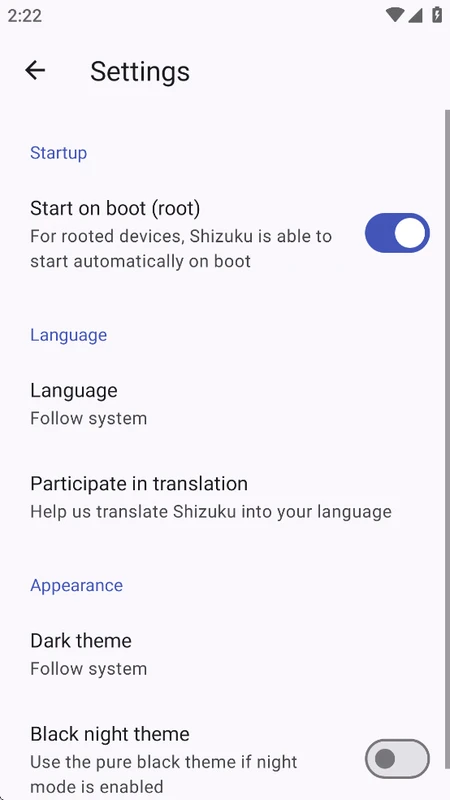
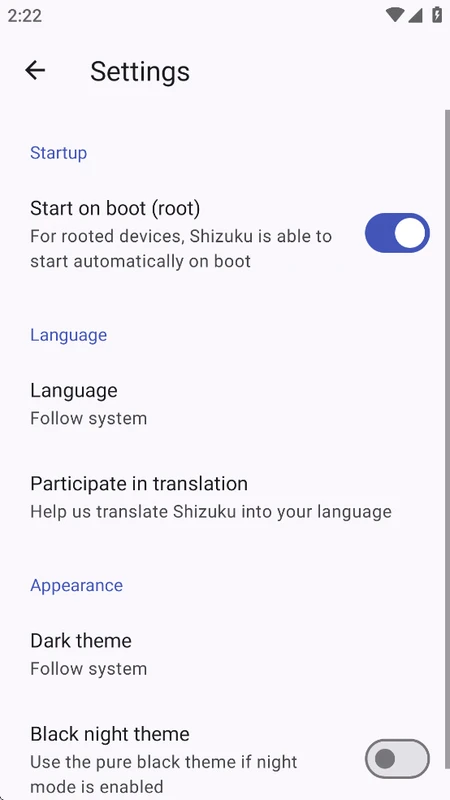
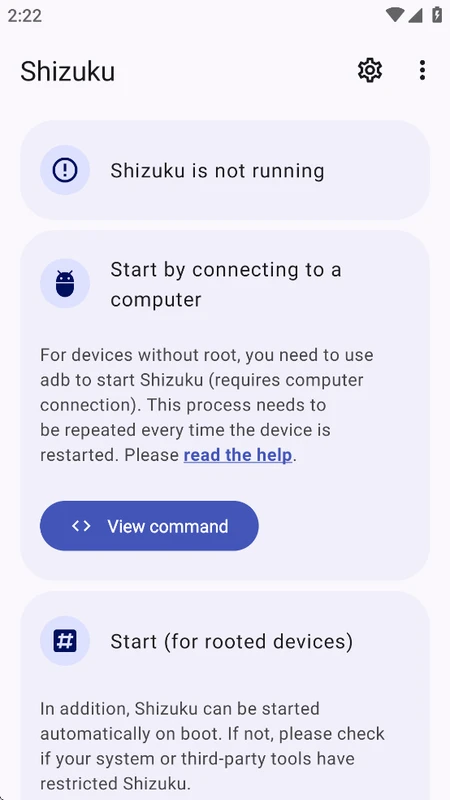
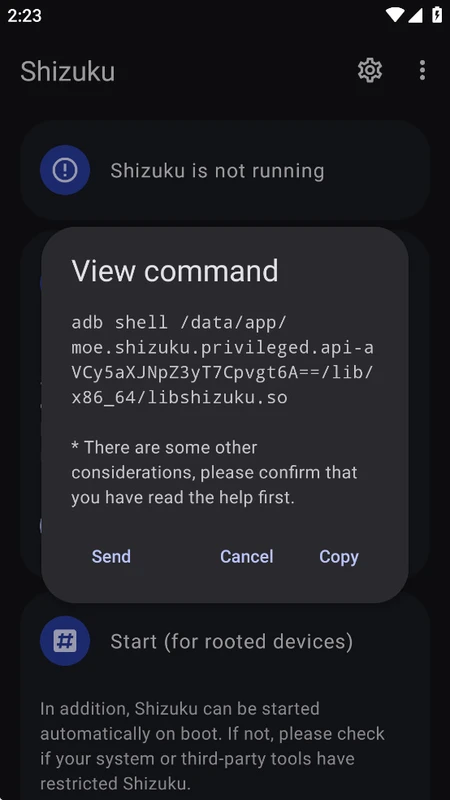
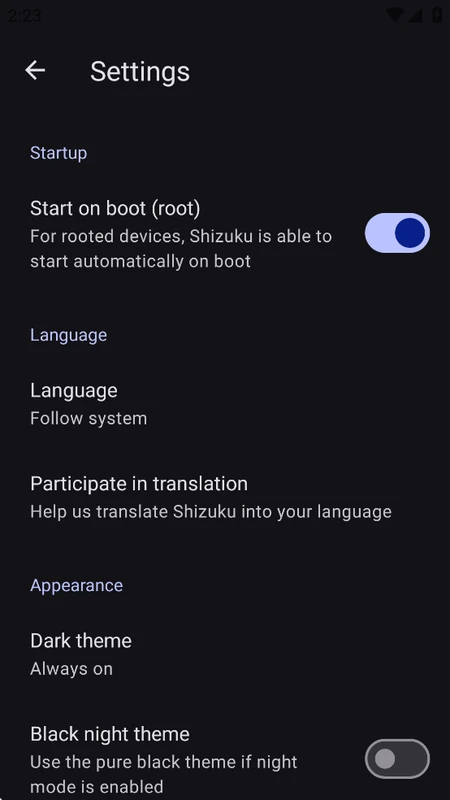
Shizuku APK is a groundbreaking open-source Android system management utility engineered by Rikka. Designed for power users, developers, and customization enthusiasts, Shizuku allows third-party applications to directly interface with privileged Android system APIs using ADB (Android Debug Bridge) or root privileges—without requiring permanent root modifications or voiding device warranties.
By leveraging Android's native Binder inter-process communication (IPC), Shizuku establishes a high-speed, secure bridge that empowers user-installed apps to perform advanced operations such as debloating carrier apps, managing system permissions, taking complete application backups, and customizing UI frameworks seamlessly.

Why Shizuku is Essential for Modern Android Users
Historically, performing advanced system tasks on Android required flashing custom ROMs or rooting via Magisk, which frequently broke banking apps and triggered Google's SafetyNet / Play Integrity alerts. Shizuku completely circumvents these issues:
- Rootless Operation via Wireless ADB: On Android 11 and above, Shizuku can pair with your device's built-in Wireless Debugging to start its privileged service directly on-device with zero PC required.
- Safe & Sandboxed Permissions: You retain complete control over which apps are authorized to access Shizuku through a dedicated permission management interface.
- Zero Performance or Battery Overhead: Shizuku runs as a lightweight background service that consumes negligible RAM and zero battery when idle.
Core Features of Shizuku APK for Android
1. Wireless Debugging Pairing (No PC Needed)
Easily start the Shizuku server directly from your notification panel using Android's native wireless debugging pairing code. Once paired, Shizuku starts instantly in under 5 seconds.
2. Direct System API Execution via Binder IPC
Unlike slow shell-script wrappers, Shizuku communicates natively with Android system services at the Java layer, ensuring instantaneous command execution and flawless stability.

3. Seamless Ecosystem Integration
Shizuku acts as the trusted backend for dozens of premier Android utilities, including Swift Backup (app & data backup), App Manager (advanced permission control), Canta (rootless debloater), Freeze (app freezer), and SAI (Split APKs Installer).
4. Granular Permission Management
Review authorized applications, inspect requested API scopes, and instantly revoke permissions with a single tap from the Shizuku dashboard.
5. 100% Open-Source & Privacy Respecting
With fully public source code on GitHub, Shizuku contains zero trackers, no advertisements, and requires no unnecessary external permissions.

Step-by-Step Guide: Starting Shizuku without a PC
- Enable Developer Options on your Android phone (tap Build Number 7 times in Settings > About Phone).
- Open Developer Options and turn on Wireless Debugging.
- Open Shizuku, tap Pairing, and enter the 6-digit code shown in the Wireless Debugging notification.
- Return to Shizuku and tap Start to activate the privileged server.
Conclusion
Shizuku APK is the ultimate toolkit for unlocking Android's full potential safely and cleanly. It empowers users with desktop-grade system control while keeping device integrity intact. Download the latest verified version today on ModHello!















No comments yet. Be the first!
Loading comments…