


In the vast landscape of Android personalization, few home screen replacements match the elegance, speed, and intelligence of Smart Launcher 6. Designed from the ground up to streamline user interaction, Smart Launcher 6 strips away unnecessary clutter and replaces traditional static grids with a dynamic, ergonomic layout tailored for modern smartphones. Whether you want to boost your daily productivity, enjoy clean adaptive visuals, or simply organize hundreds of installed apps in seconds, Smart Launcher 6 stands out as one of the most sophisticated home screen launchers available on Android today.
Revolutionizing the Android Home Screen Experience
Traditional Android launchers rely heavily on rigid grid structures and manual app organization, requiring users to drag and drop icons into folders endlessly. Smart Launcher 6 challenges this conventional approach by introducing an automated categorization engine and a gridless home screen architecture. From the moment you launch it, your mobile interface transforms into an intuitive, responsive dashboard that adapts seamlessly to your usage habits and aesthetic preferences.
Key Architectural Features of Smart Launcher 6
1. Intelligent Automatic App Categorization
One of the hallmark innovations of Smart Launcher 6 is its automatic app drawer sorting system. The launcher analyzes your installed applications and immediately categorizes them into dedicated functional tabs, including:
- Communication: Messaging apps, email clients, social networks, and dialers.
- Internet: Web browsers, cloud storage tools, and news readers.
- Media: Gallery apps, music players, streaming services, and photo editors.
- Games: Casual, action, puzzle, and multiplayer titles.
- Utilities & Settings: Calculators, file managers, system tools, and device settings.
This automated organization eliminates home screen clutter and allows you to find any app within a single swipe, regardless of how many applications are installed on your device.
2. Ambient Theme & Dynamic Color Engine
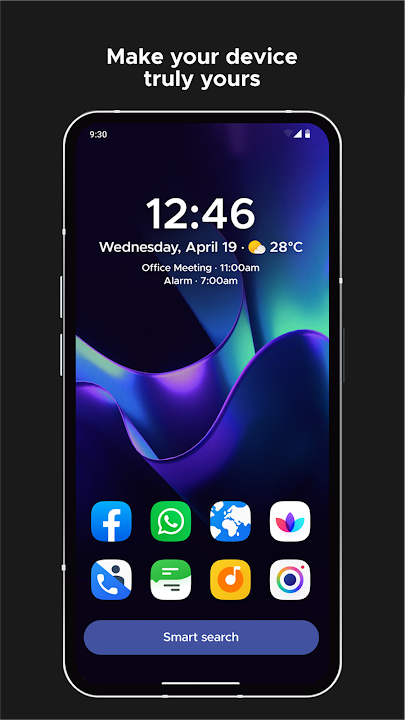
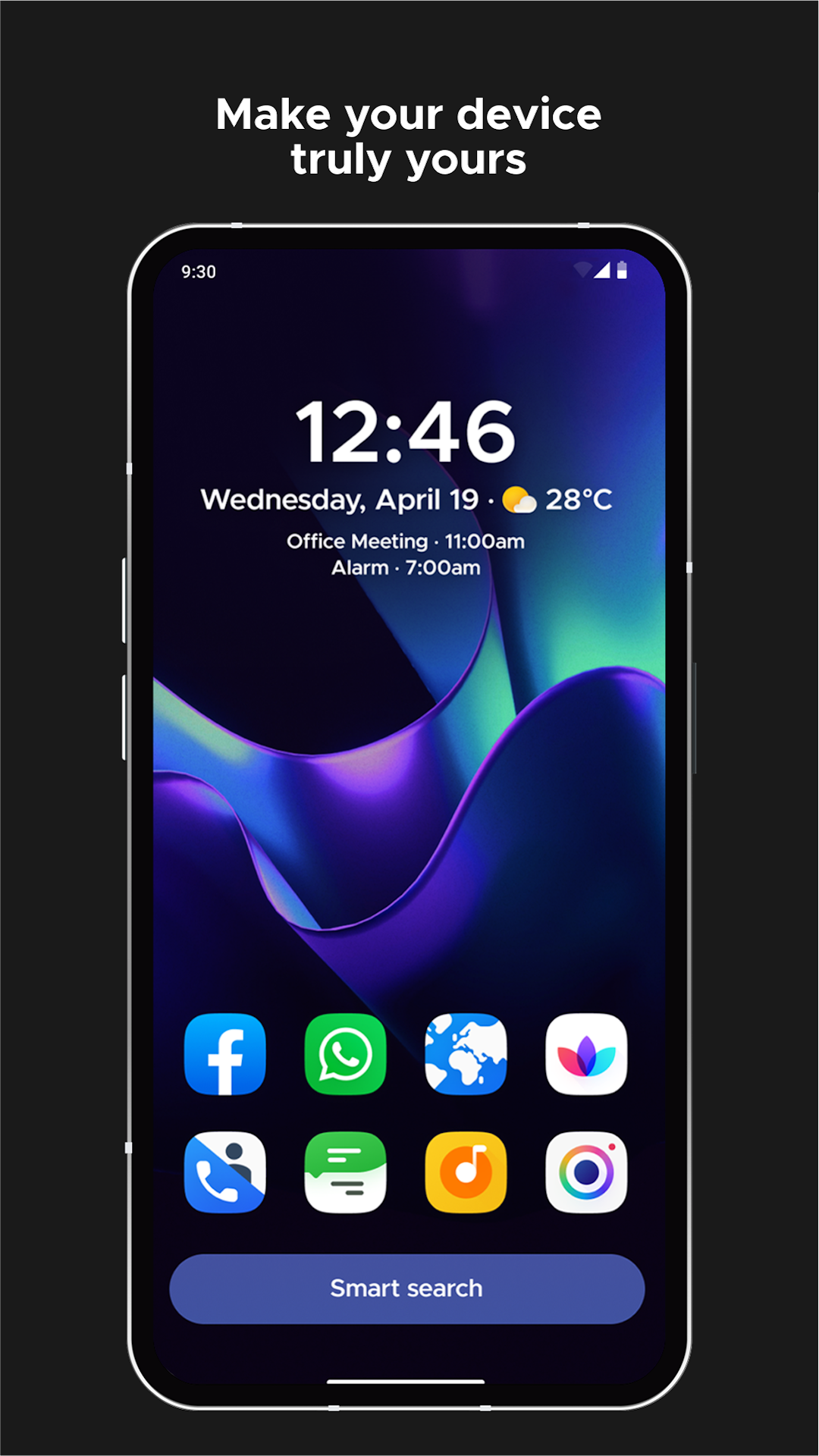
Smart Launcher 6 integrates a powerful Ambient Theme Engine that dynamically adjusts your launcher color palette based on your current wallpaper. When you set a new wallpaper, Smart Launcher 6 automatically extracts dominant background tones and applies matching hues to accent highlights, search bars, widgets, and app drawer backgrounds. This produces a cohesive visual harmony without requiring manual theme tweaking.
3. Gridless Layout System & Resizable Widgets
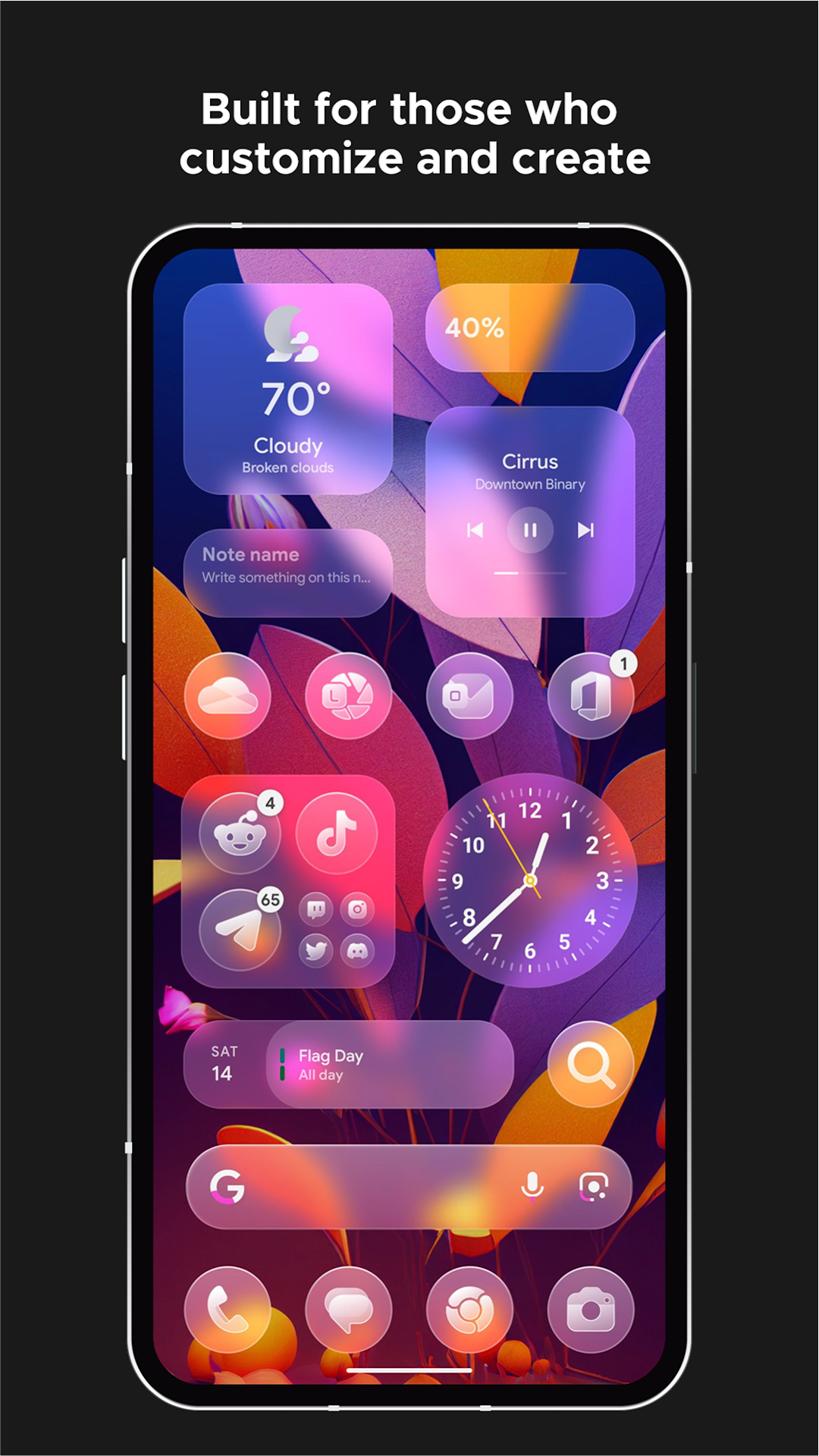
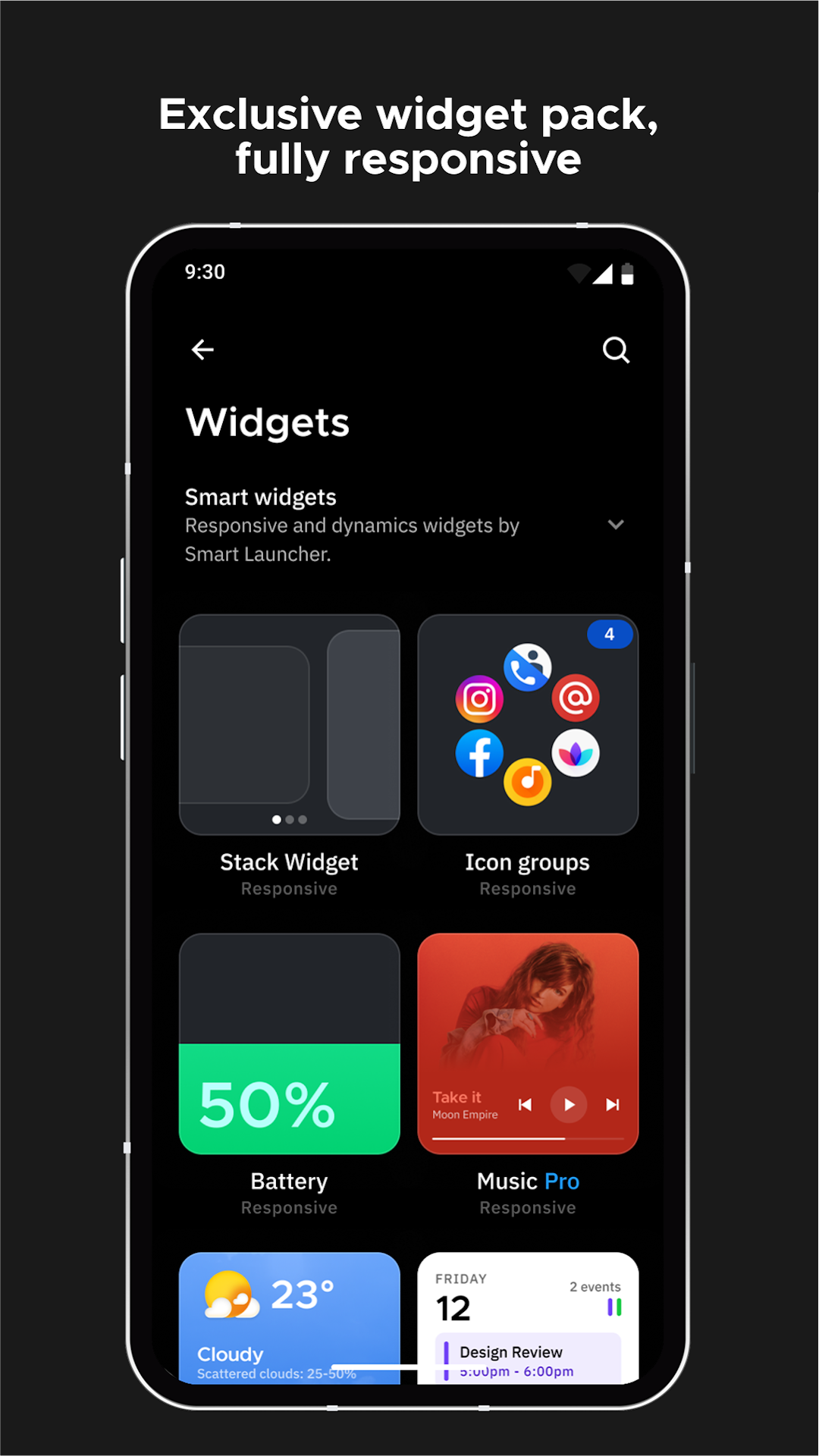
Unlike standard launchers that force widgets and icons into strict, rectangular grid boxes, Smart Launcher 6 features a revolutionary Gridless Layout Engine. Users can freely resize, move, and snap widgets to custom positions, overlapping elements or creating organic desktop arrangements. This flex-grid freedom gives users full artistic control over their home screen aesthetics.
4. One-Handed Ergonomic Navigation
Modern Android smartphones sport large display screens that make reaching top corners difficult with one hand. Smart Launcher 6 solves this by placing essential interactive components—such as key app shortcuts, search bars, and drawer tabs—toward the lower portion of the screen. This thumb-friendly design allows comfortable single-handed operation even on large display phones.
Advanced Customization & Personalization Options
Icon Pack Compatibility & Adaptive Icons
Personalization is at the core of Smart Launcher 6. The launcher is fully compatible with third-party icon packs from the Play Store. Additionally, it supports native Android adaptive icons, allowing you to choose uniform icon shapes such as squircles, circles, rounded squares, or teardrops across your entire system.
Built-In Clock, Calendar & Weather Widgets
Smart Launcher 6 comes equipped with multi-functional built-in widgets that combine a digital clock, upcoming calendar events, and real-time weather forecasts into a single elegant interface element. You can view local temperatures, weather conditions, and alarm schedules right from your main screen without installing bloatware third-party widgets.
Privacy, Security & Gesture Controls
App Hider & PIN Protection
For users who value privacy, Smart Launcher 6 includes built-in security features to hide confidential applications from the main drawer. You can lock hidden apps behind a PIN, pattern, or biometric fingerprint check, preventing unauthorized access to banking, messaging, or gallery apps.
Customizable Touch Gestures
Accelerate your daily smartphone navigation with intuitive touch gestures. Smart Launcher 6 supports customizable swipe, double-tap, and pinch actions:
- Double Tap: Instantly lock the screen or turn off the display.
- Swipe Up: Open global app search or launch a favorite app.
- Swipe Down: Pull down the notification shade or quick settings toggle.
- Two-Finger Swipes: Execute custom shortcuts or trigger system utilities.
Resource Efficiency & Battery Optimization
Despite offering a rich suite of visual effects and automated tools, Smart Launcher 6 is built with extreme performance efficiency in mind. The app requires minimal RAM footprint and executes background tasks with near-zero CPU overhead. This ensures smooth, stutter-free 120Hz scrolling on high-end flagship phones while maintaining fast, responsive performance on budget or older Android devices.
How to Download & Install Smart Launcher 6 APK
Follow these simple steps to install Smart Launcher 6 on your Android smartphone:
- Download the APK: Click on the official download link provided on our page to obtain the latest Smart Launcher 6 APK file.
- Enable Unknown Sources: If installing via direct APK, navigate to Settings > Security > Install Unknown Apps and grant permission to your browser or file manager.
- Install the File: Open your File Manager, locate the downloaded
Smart Launcher 6.apk, and tap to begin installation. - Set as Default Launcher: Press your device Home button, select Smart Launcher 6 from the popup prompt, and choose "Always" to set it as your default home screen.
Final Verdict
If you are looking for a fast, elegant, and intelligent replacement for your default phone launcher, Smart Launcher 6 delivers an outstanding combination of automated organization, visual polish, and performance efficiency. Download the official Smart Launcher 6 APK today and experience a cleaner, faster, and more personalized Android interface!















No comments yet. Be the first!
Loading comments…