

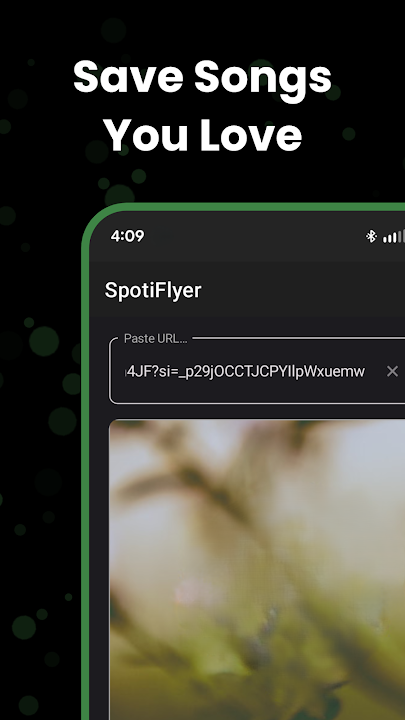
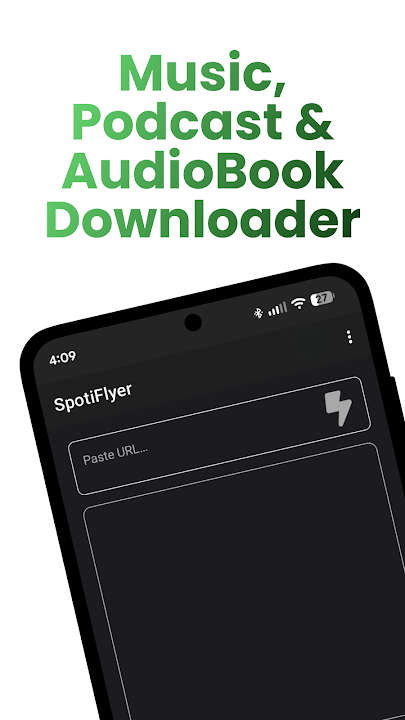
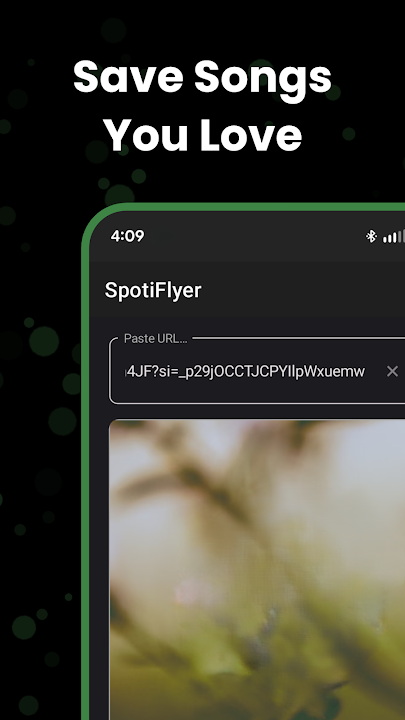
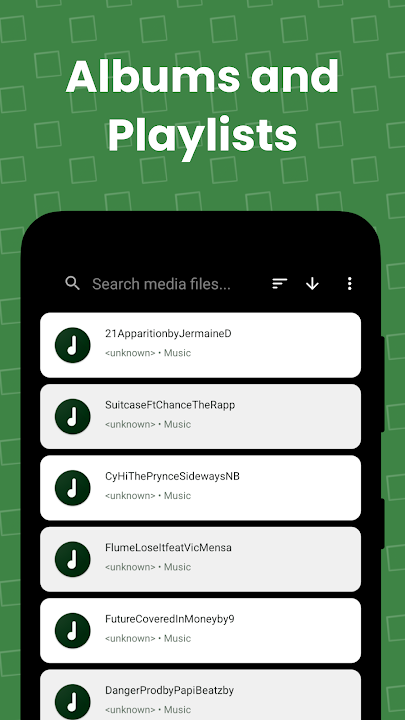
In the modern streaming era, enjoying uninterrupted music offline has become increasingly restricted. Major streaming giants trap offline listening behind recurring monthly subscriptions and lock audio files behind proprietary, encrypted DRM (Digital Rights Management) walls. Enter SpotiFlyer APK (v3.6.3)—the premier, open-source, multi-platform music, podcast, and playlist downloader engineered by Shabinder. Built entirely on cutting-edge Kotlin Multiplatform technology, SpotiFlyer empowers music enthusiasts to download full tracks, complete artist discographies, and curated playlists from top streaming platforms including Spotify, YouTube Music, Gaana, JioSaavn, and SoundCloud into pristine 320kbps MP3 audio files—100% free, without ads, and without needing paid subscription accounts.
The Philosophy Behind SpotiFlyer: True Digital Ownership
Most commercial streaming applications permit "offline downloads" only as temporary cached files that vanish the moment your subscription lapses. SpotiFlyer fundamentally redefines music ownership. By accepting public share links and querying high-bitrate audio repositories, SpotiFlyer converts streaming streams into universal, standalone MP3 files complete with high-resolution album artwork and full ID3 metadata tags. Once saved to your Android storage, your music remains permanently yours—playable across all media players, car audio dashboards, portable Hi-Fi DACs, and desktop setups without ever consuming a single kilobyte of cellular data.
Comprehensive Breakdown of Core Features in SpotiFlyer v3.6.3
1. Universal Multi-Platform Music Ecosystem Integration
SpotiFlyer acts as a universal bridge connecting diverse digital audio catalogs into one unified downloading hub:
- Spotify Downloader: Paste any public song, album, artist profile, or user-created playlist URL to immediately fetch and convert tracks into high-bitrate MP3 files.
- YouTube Music & YouTube Integration: Extract crystal-clear audio tracks from official music video uploads, acoustic live performances, and unreleased covers with flawless audio-video separation.
- SoundCloud Downloader: Download independent releases, bootlegs, DJ mixes, EDM sets, and underground remix tracks that cannot be found on standard commercial platforms.
- Gaana & JioSaavn Support: Comprehensive native compatibility for vast libraries of Bollywood, regional Indian, and global Asian music tracks.
2. Studio-Grade Lossless Audio Quality (320kbps MP3 Bitrate)
Audio fidelity is paramount for music lovers. SpotiFlyer never compromises sound reproduction:
- Full 320kbps Encoding: Automatically selects and processes the maximum audio stream available, delivering deep, resonant basslines, crisp vocal clarity, and expansive stereo staging.
- Zero Dynamic Compression: Preserves the original dynamic range and frequency spectrum of studio masters without adding artificial clipping or distortion.
3. Intelligent ID3 Metadata & 500x500 HD Cover Art Tagging
SpotiFlyer guarantees that your offline library remains immaculately organized from the moment downloads finish:
- Complete ID3 Tag Injection: Each MP3 file is automatically tagged with Track Title, Artist Names, Album Name, Release Year, Track Number, and Genre.
- Embedded HD Artwork: High-definition (500x500 pixels minimum) album cover art is embedded directly into the ID3v2 tags of every audio file.
- Synchronized Lyrics Support: Compatible media players can display synchronized scrolling lyrics embedded within the metadata container.
4. Multi-Threaded Batch Playlist & Full Album Queue Engine
Downloading hundreds of songs individually is tedious and time-consuming. SpotiFlyer streamlines large-scale audio acquisition:
- One-Tap Batch Processing: Simply paste a playlist or full album link containing 50, 100, or 500+ tracks and tap Download All.
- Multi-Threaded Downloads: SpotiFlyer queues tracks efficiently, downloading multiple audio streams simultaneously for maximum bandwidth saturation.
- Smart Resume & Error Recovery: Automatically retries interrupted downloads if network connectivity fluctuates, ensuring no corrupted or incomplete MP3 files.
5. 100% Ad-Free, Open-Source & Zero Tracking
Unlike ad-cluttered commercial downloader utilities, SpotiFlyer prioritizes user respect and privacy:
- Open-Source Transparency: The codebase is publicly auditable on GitHub, guaranteeing complete freedom from malware, spyware, and hidden analytics.
- No User Registration Required: Never asks for your Spotify login credentials, email address, or phone number.
- Clean Material Design UI: An elegant, intuitive dark/light interface designed strictly for fast, distraction-free downloading.
6. Seamless Storage Management & Player Compatibility
All downloaded songs are automatically saved to your device’s public directory at /storage/emulated/0/Music/SpotiFlyer/. This standard directory structure ensures immediate auto-detection and indexing by popular offline music players, including:
- Poweramp Music Player
- Musicolet Music Player
- Samsung Music
- VLC for Android
- AIMP Player
Step-by-Step Guide: How to Download Songs and Playlists with SpotiFlyer
Downloading high-quality music with SpotiFlyer is effortless. Follow these simple steps:
- Copy the Song or Playlist URL: Open Spotify, YouTube Music, or SoundCloud. Tap the Share button on your desired track, album, or playlist, and select Copy Link.
- Paste the Link into SpotiFlyer: Launch the SpotiFlyer application on your Android phone and paste the copied URL into the search bar at the top of the home screen.
- Search and Parse: Tap the Search button. SpotiFlyer will instantly parse the URL and display the song title, artist name, and complete tracklist.
- Initiate Download: Tap the Download icon next to an individual song, or tap Download All to fetch the entire playlist in high-bitrate 320kbps MP3 format.
- Enjoy Offline: Open your favorite offline music player app and enjoy crystal-clear audio playback anywhere!
Advanced Optimization Tips for Power Users
Set Default Bitrate to 320 kbps in Settings
Open the SpotiFlyer Settings menu and ensure the default audio quality is locked to 320 kbps to guarantee maximum acoustic fidelity for every download.
Disable Android Battery Optimization for SpotiFlyer
When downloading extensive playlists with hundreds of songs, Android's background battery manager may kill the download service. Go to your device Settings > Apps > SpotiFlyer > Battery and set it to Unrestricted so multi-album queues finish uninterrupted.
Configure Custom Download Directories
If your device supports external MicroSD cards, you can easily redirect SpotiFlyer’s destination folder in the settings menu to save internal phone storage.
How to Download and Install SpotiFlyer APK on Android
Follow these quick installation instructions to install the official APK:
- Download the Official APK: Tap the high-speed download link above to download the
SpotiFlyer v3.6.3.apkinstaller file. - Enable Unknown Sources: Go to Settings > Security > Install Unknown Apps and allow permissions for your browser or file manager.
- Install the App: Open your Downloads folder, tap the APK file, and choose Install.
- Start Building Your Offline Library: Launch SpotiFlyer and enjoy unlimited free music downloads today!
Final Verdict
SpotiFlyer APK is an indispensable tool for music lovers, audiophiles, and daily commuters who demand high-fidelity offline audio without expensive subscription fees. With its powerful multi-platform streaming link parser, 320kbps MP3 conversion, automatic ID3 metadata tagging, and ad-free open-source architecture, SpotiFlyer stands as the premier music downloader for Android. Download SpotiFlyer APK v3.6.3 today and take complete control of your music library!















No comments yet. Be the first!
Loading comments…