

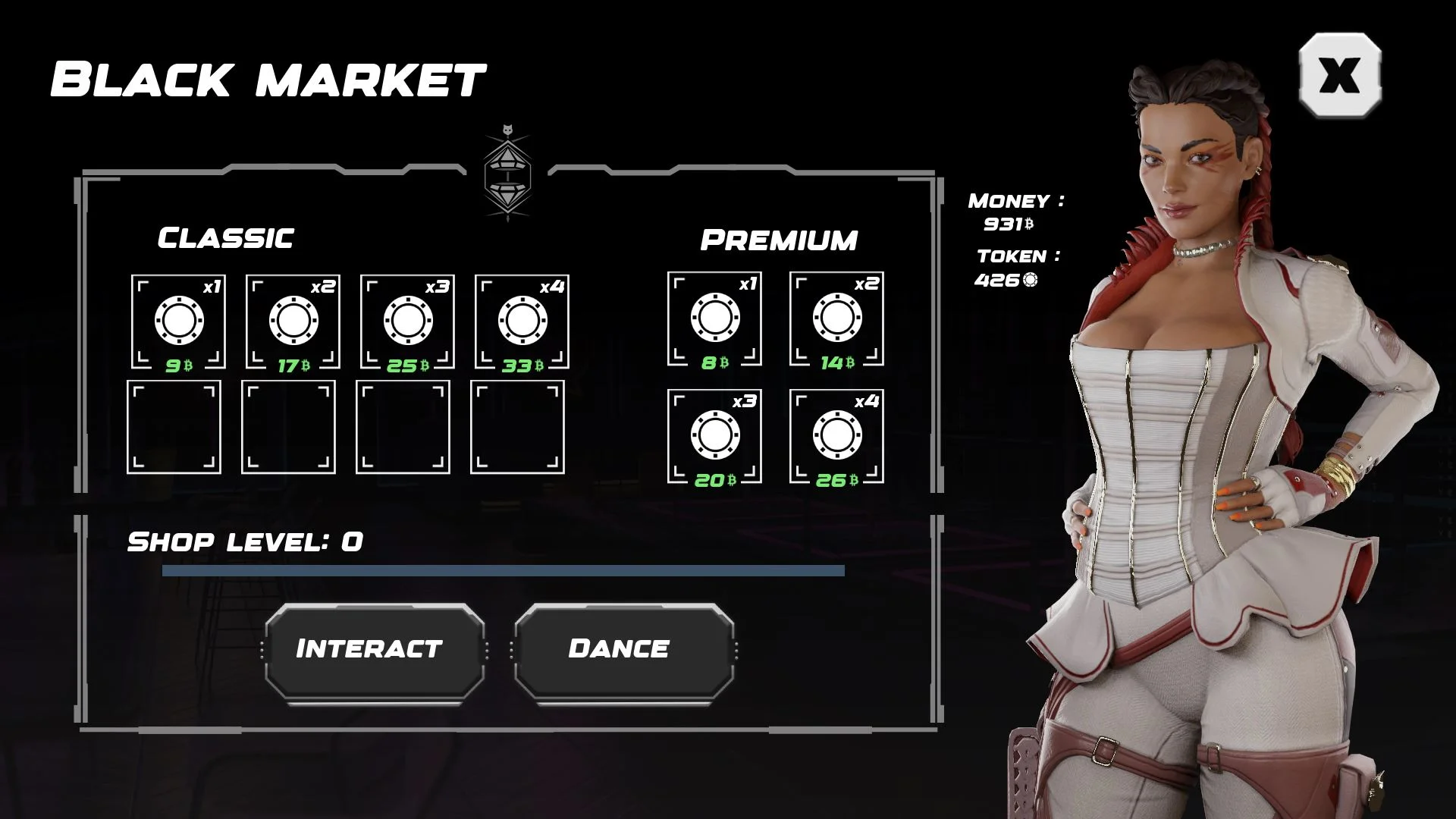
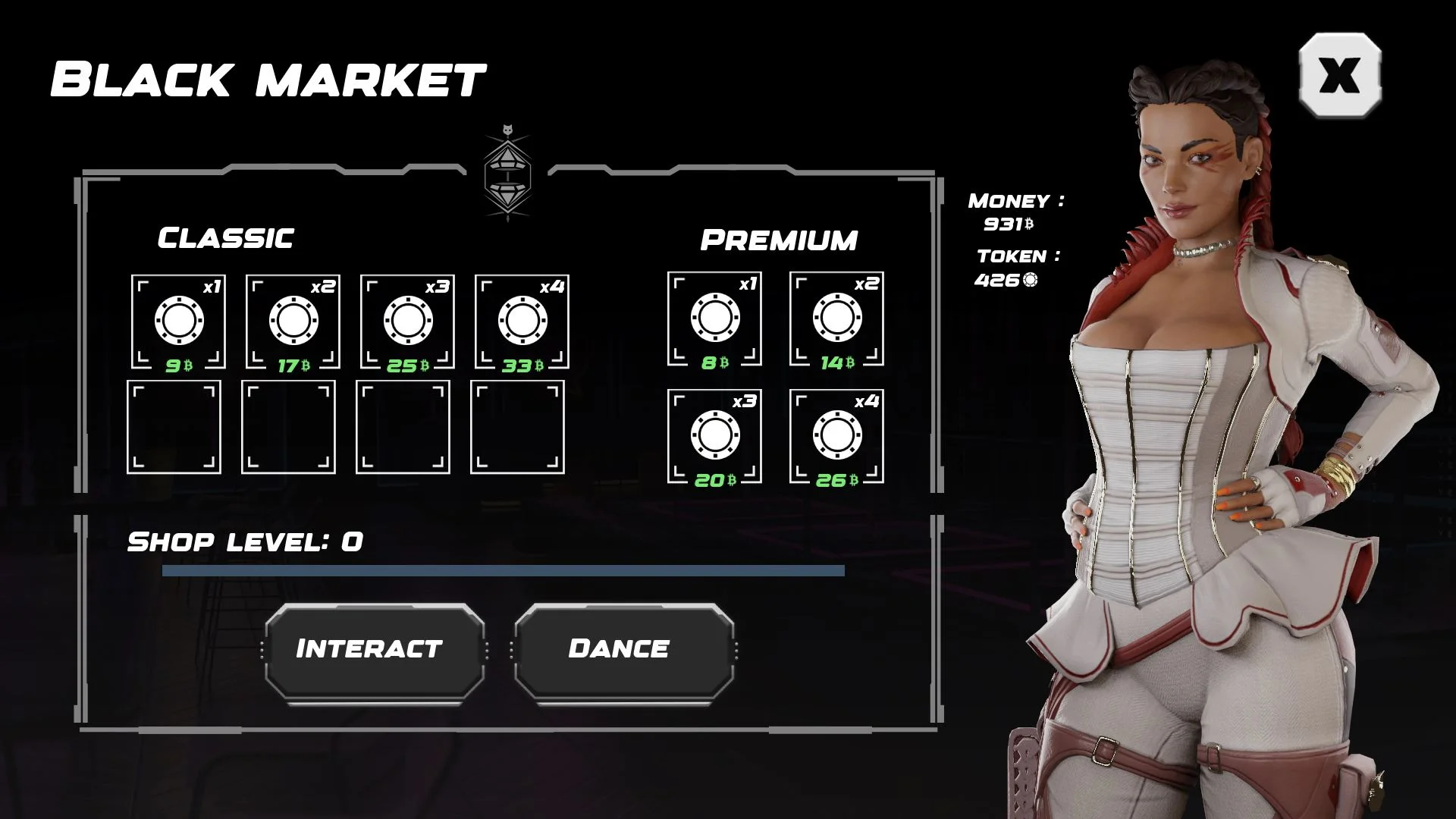
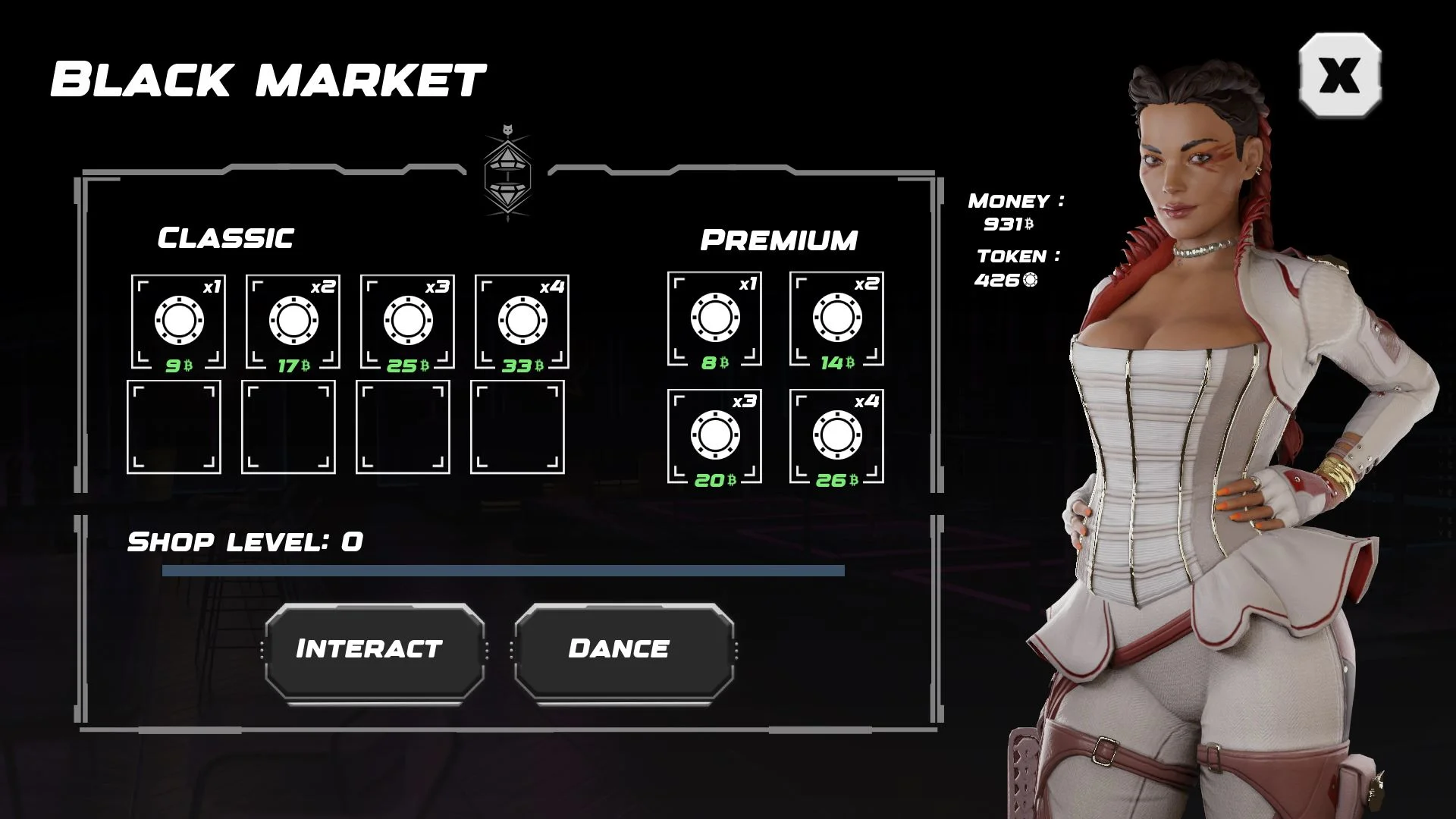





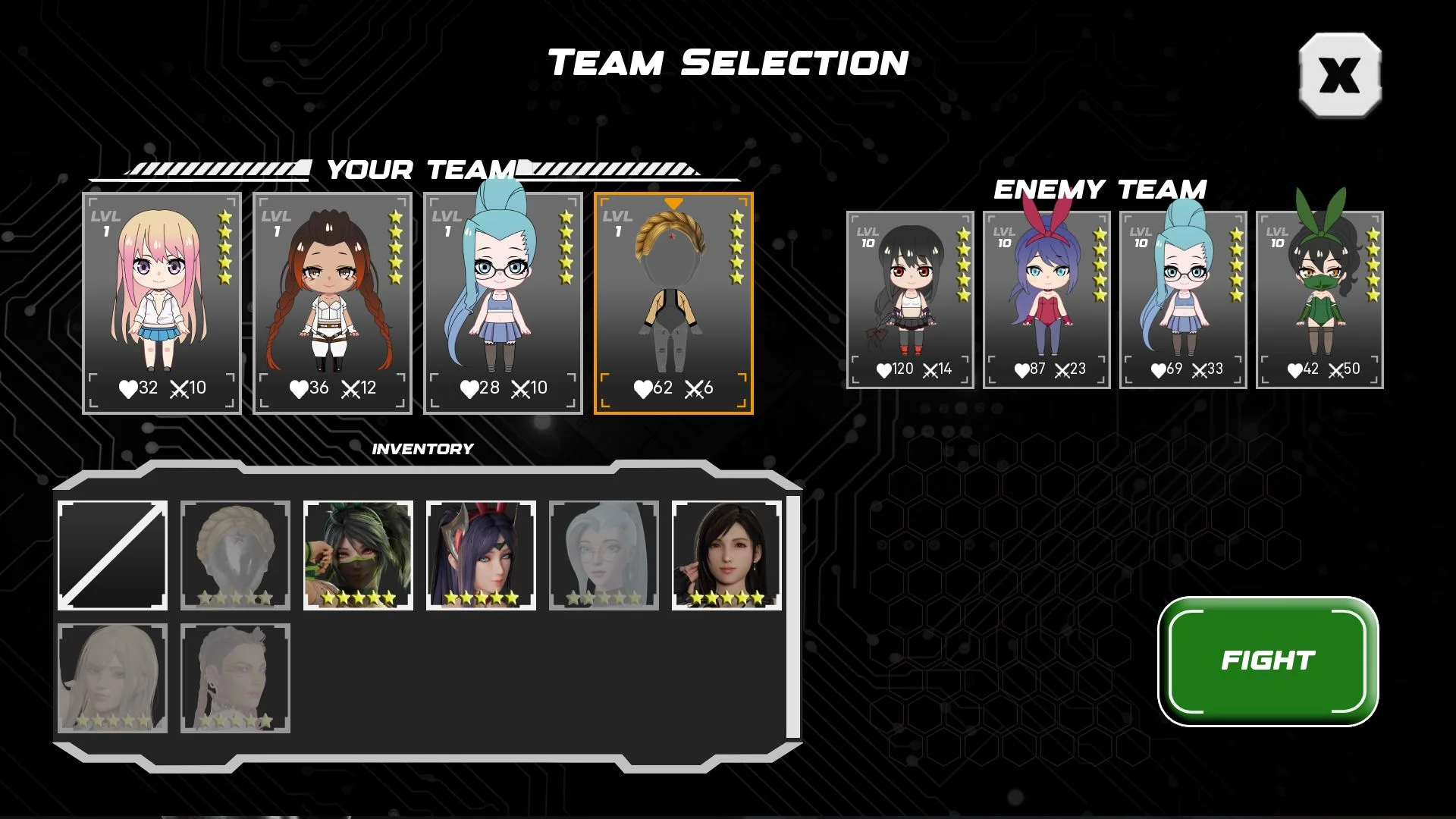

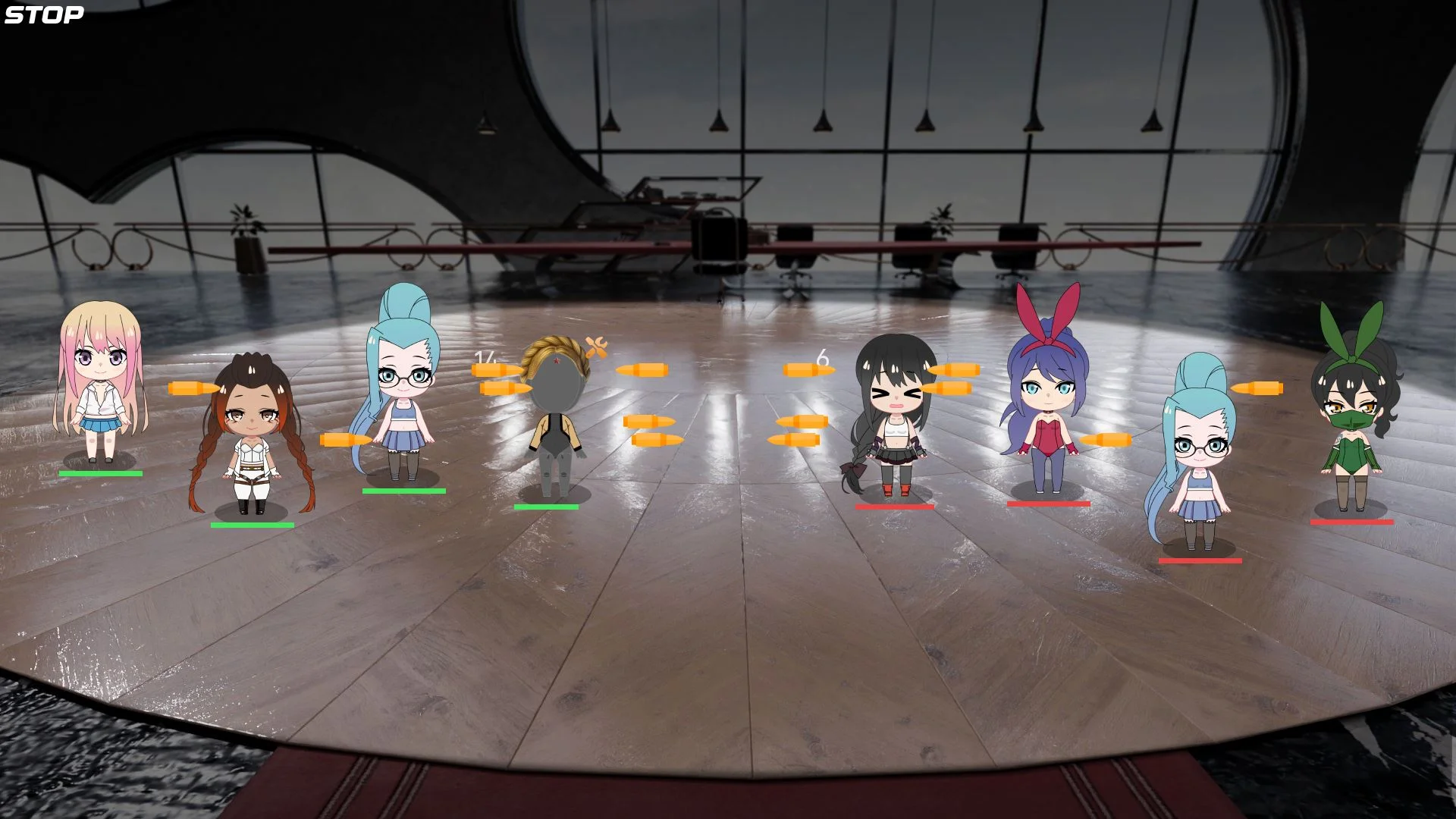
Stuck In My Game MOD APK delivers a clever twist on the classic portal-fantasy premise by placing you in the shoes of an indie game developer who mysteriously wakes up trapped inside the very project they were building. Blending narrative-rich visual novel storytelling with light RPG progression and an intriguing time-loop mystery, the game challenges you to navigate a world you thought you knew inside out—only to discover that your own characters have secrets, agency, and surprises of their own. With the v0.12.0 Android port, players gain access to all Patreon Tier 3 content alongside a full Cheat Menu for seamless exploration.
Trapped Inside Your Own Creation: Story and Time-Loop Mystery
At the heart of Stuck In My Game is an engaging meta-narrative that keeps you guessing from the opening chapter. As the creator of the world, you initially expect to hold all the answers: you wrote the lore, sketched the cast, and designed the town's layout. Yet once you are pulled across the screen, strange anomalies begin to surface. Events diverge from your original design documents, locked areas behave unpredictably, and a recurring time loop forces you to piece together hidden clues across repeated cycles.
Interacting with characters you personally authored creates a uniquely entertaining dynamic. Some personalities react with sharp wit or unexpected warmth, while others hint at deeper truths behind why the simulation pulled you in. Every loop gives you fresh context, letting you test new dialogue branches, prevent unfortunate outcomes, and steadily uncover the overarching mystery behind the glitching world.
Gameplay Mechanics: RPG Progression Meets Branching Choices
Rather than functioning as a purely linear kinetic novel, Stuck In My Game weaves interactive RPG elements directly into its narrative loop, rewarding curiosity and strategic decision-making:
- Meaningful Dialogue Trees: Conversations frequently present branching choices that influence character trust, unlock alternate perspectives, and alter how later loop cycles unfold.
- Time-Loop Knowledge Carry-Over: Clues, key insights, and certain progression markers carry forward as you investigate the anomaly, turning each reset into an opportunity to solve puzzles faster and open previously inaccessible paths.
- Stat and Resource Management: Balancing personal attributes, in-game currency, and daily energy dictates which side quests, character hangouts, and investigative leads you can pursue.
- Interactive Exploration and Side Stories: Roam across distinct locations within your own game world to trigger hidden encounters, discover developer-themed Easter eggs, and build deeper bonds with an eclectic cast.
This blend of mystery-solving and character simulation ensures that pacing stays brisk. Even when revisiting familiar locations during a new cycle, subtle dialogue shifts and newly unlocked options keep the experience fresh.
Key Features of the v0.12.0 MOD APK
The Stuck In My Game MOD APK 0.12.0 brings the complete supporter experience straight to Android smartphones without requiring manual file patching or PC emulators:
- Unlocked All Patreon Content (Tier 3 Activated): Experience the full Tier 3 supporter build, including bonus scenes, exclusive story branches, early-access updates, and extra gallery artwork that are normally gated behind subscription tiers.
- Cheat Menu Enabled: Open the integrated Cheat Menu at any time to adjust stats, add in-game currency, fine-tune relationship values, or bypass repetitive grind gates so you can focus on unraveling the story.
- Native Android Port: Carefully compiled for mobile hardware with responsive touch controls, clean font scaling, and reliable save management—no third-party PC emulator setup required.
- Expanded v0.12.0 Story Content: Dive into the latest narrative chapters, refined event scripting, and visual polish introduced in the 0.12.0 milestone update.
Art Direction, UI Design, and Soundscape
Visually, Stuck In My Game features crisp, modern character artwork paired with expressive poses and clean environmental backdrops that make each scene easy to follow. The interface takes inspiration from streamlined RPG and visual novel frameworks, placing dialogue history, quick-save buttons, quest logs, and character profiles within effortless reach. Subtle visual cues highlight key story moments and time-loop shifts, reinforcing the sense that you are living inside an evolving game engine.
The soundtrack strikes a thoughtful balance between upbeat everyday themes and atmospheric mystery cues. Lighter acoustic and synth tracks accompany casual character interactions, while more suspenseful melodies underscore investigative breakthroughs and plot twists.
Android Port Optimization and Usability
Long-form narrative RPGs live or die by how comfortable they feel during extended reading sessions, and this Android port performs admirably. Dialogue text renders sharply across modern high-resolution displays, and standard quality-of-life tools—such as auto-advance, skip-read text, dialogue backlog, and quick-load slots—work smoothly via simple taps.
Because the entire game runs locally without requiring a constant internet connection, it is ideal for offline play. Battery consumption remains modest compared to heavy 3D titles, and mid-range Android phones handle scene transitions and menu navigation without noticeable lag.
Practical Tips for Getting the Most Out of Your Playthrough
Even with the Cheat Menu available, a few smart habits will help you enjoy the pacing and mystery of Stuck In My Game to the fullest:
- Save Before Major Loop Decisions: Keep dedicated save slots at the start of pivotal days or before high-stakes conversations so you can experiment with contrasting dialogue styles without restarting an entire cycle.
- Pay Attention to Small Continuity Clues: Offhand remarks from side characters often foreshadow later plot twists or point toward hidden interactions that only appear when you revisit a location at the right time.
- Use the Cheat Menu Selectively: If you love the feeling of organic RPG progression, reserve the Cheat Menu for skipping repetitive resource farming while letting relationship choices unfold naturally through your own decisions.
- Explore Every Unlocked Tier 3 Bonus: Check the extras and gallery menus periodically as you finish chapters so you do not miss bonus developer notes, side vignettes, and supporter-exclusive scenes.
Step-by-Step Android Installation Guide
Follow these straightforward instructions to install Stuck In My Game MOD APK 0.12.0 on your Android device:
- Download the verified Stuck In My Game MOD APK 0.12.0 package from ModHello.
- Open your device Settings, navigate to Security or Privacy, and allow Install Unknown Apps for your preferred browser or file explorer.
- Open your file manager, browse to the Downloads directory, and tap the downloaded APK file.
- Confirm by tapping Install and wait for Android to complete the package setup.
- Launch Stuck In My Game from your app drawer, verify your preferred text speed in settings, and enjoy Tier 3 content plus the built-in Cheat Menu immediately.
Final Verdict
Stuck In My Game MOD APK 0.12.0 is a must-play for fans of clever meta-fiction, time-loop mysteries, and choice-driven RPG visual novels. Stepping into the shoes of a developer navigating their own unpredictable creation makes for a genuinely memorable hook, and the v0.12.0 Android port elevates the journey with Tier 3 Patreon content unlocked and a convenient Cheat Menu. If you enjoy uncovering layered secrets while bonding with a lively cast of characters on mobile, this release is well worth downloading.















No comments yet. Be the first!
Loading comments…