

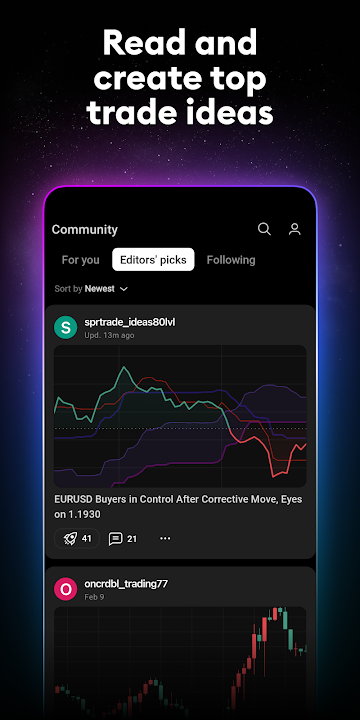
Empower your financial decision-making and unlock institutional-grade market analysis directly from your Android smartphone with TradingView (v1.20.17) by TradingView Inc. Trusted by over 50 million active traders and investors worldwide, TradingView is the ultimate charting powerhouse and financial intelligence network, delivering real-time quotes, advanced multi-timeframe technical indicators, and comprehensive market insights across every major asset class.
Institutional-Grade Charting in the Palm of Your Hand
Modern financial markets move with blistering speed. Whether day trading volatile cryptocurrency swings, analyzing long-term equity fundamentals, or tracking macroeconomic currency shifts, having instantaneous access to accurate data is paramount. TradingView brings responsive HTML5/Canvas charting technology to Android, allowing users to draw complex trendlines, overlay moving averages, and execute comprehensive price action strategies without lag.
Key Features of TradingView APK v1.2.17
1. Universal Real-Time Global Market Coverage
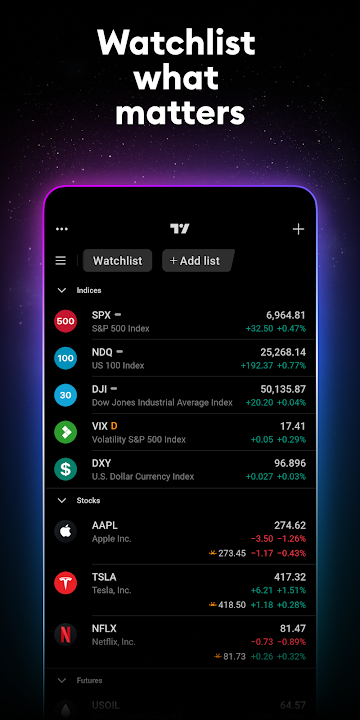
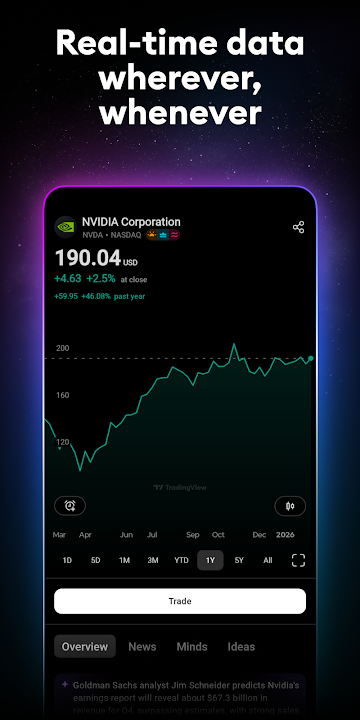
Access hundreds of global exchanges with zero latency. Track international equities (Apple, Tesla, Microsoft, Alibaba), major cryptocurrencies (BTC, ETH, XRP, SOL), foreign exchange pairs (EUR/USD, GBP/JPY, USD/CAD), spot commodities (Crude Oil, Gold, Natural Gas), indices (S&P 500, Dow Jones, NASDAQ, DAX), and government treasury bond yields in a single unified dashboard.
2. Superior Multi-Timeframe Charting Engine
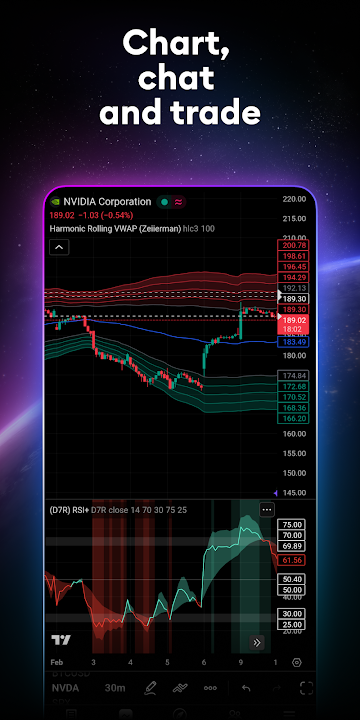
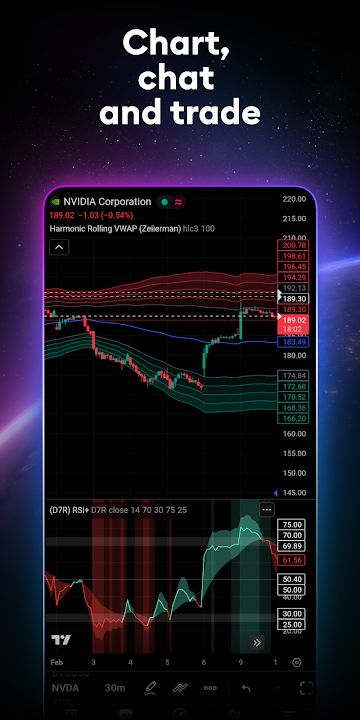
Navigate financial charts with unmatched fluidity. Choose between diverse candlestick representations including standard Japanese Candlesticks, Heikin Ashi, Hollow Candles, Renko, Kagi, Point & Figure, and Baseline charts. Switch effortlessly between 1-minute, 15-minute, 4-hour, daily, and monthly timeframes.
3. Over 100+ Pre-Built Technical Indicators & Drawing Tools
Equip your analytical arsenal with classic and modern trading indicators. Apply Relative Strength Index (RSI), Moving Average Convergence Divergence (MACD), Bollinger Bands, Ichimoku Cloud, Average True Range (ATR), Volume Weighted Average Price (VWAP), and Volume Profile with customizable inputs.
4. Custom Algorithm Scripting with Pine Script™ v5
Harness the power of TradingView's proprietary programming language, Pine Script™. Create, backtest, and run custom quantitative trading algorithms, automated strategies, and bespoke indicators crafted by an active open-source community of quantitative developers.
5. Cloud-Synchronized Watchlists & Cross-Platform Continuity
Experience true multi-device freedom. Your personalized asset watchlists, drawing templates, and multi-chart workspaces sync automatically across Android mobile, desktop browsers, tablets, and native desktop clients.
6. Server-Side Smart Price Alerts
Never miss a high-probability breakout or critical support level. Set highly configurable server-side alerts based on price targets, drawing line intersections, indicator crossovers, or volatility spikes, receiving immediate mobile push notifications 24/7.
7. Global Social Trading & Financial Community
Connect with millions of professional traders, quantitative analysts, and financial educators. Explore shared trading setups, read macroeconomic research reports, publish your own chart analyses, and participate in live streaming market commentary.
Pro Tips for Mobile Chart Analysis on TradingView
Utilize Full-Screen Landscape Orientation
Rotate your device into horizontal landscape mode to unlock the full desktop-grade toolbar, allowing precise placement of Fibonacci retracements, pitchforks, and risk/reward measurement boxes.
Organize Color-Coded Watchlist Flags
Sort your watchlist into categorized color flags (e.g., Red for active swing trades, Green for dividend investments, Blue for crypto monitoring) to quickly filter market sectors during volatile trading sessions.
How to Download and Install TradingView APK on Android
Get started with professional market analysis on your Android device today:
- Download the APK: Tap the verified download link above to obtain the official
TradingView v1.20.17.apkpackage. - Enable Unknown Sources: Navigate to Settings > Security > Install Unknown Apps and allow permissions.
- Install the App: Open your Downloads folder, select the APK, and tap Install.
- Track the Markets: Launch TradingView, build your watchlist, and analyze global financial opportunities with precision!
Final Summary
TradingView stands uncontested as the gold standard for mobile market tracking, technical analysis, and investor collaboration. With its intuitive UI, robust cloud synchronization, and massive repository of financial indicators, it is an indispensable tool for every serious trader. Download the official TradingView APK v1.20.17 today and elevate your trading journey!














No comments yet. Be the first!
Loading comments…