

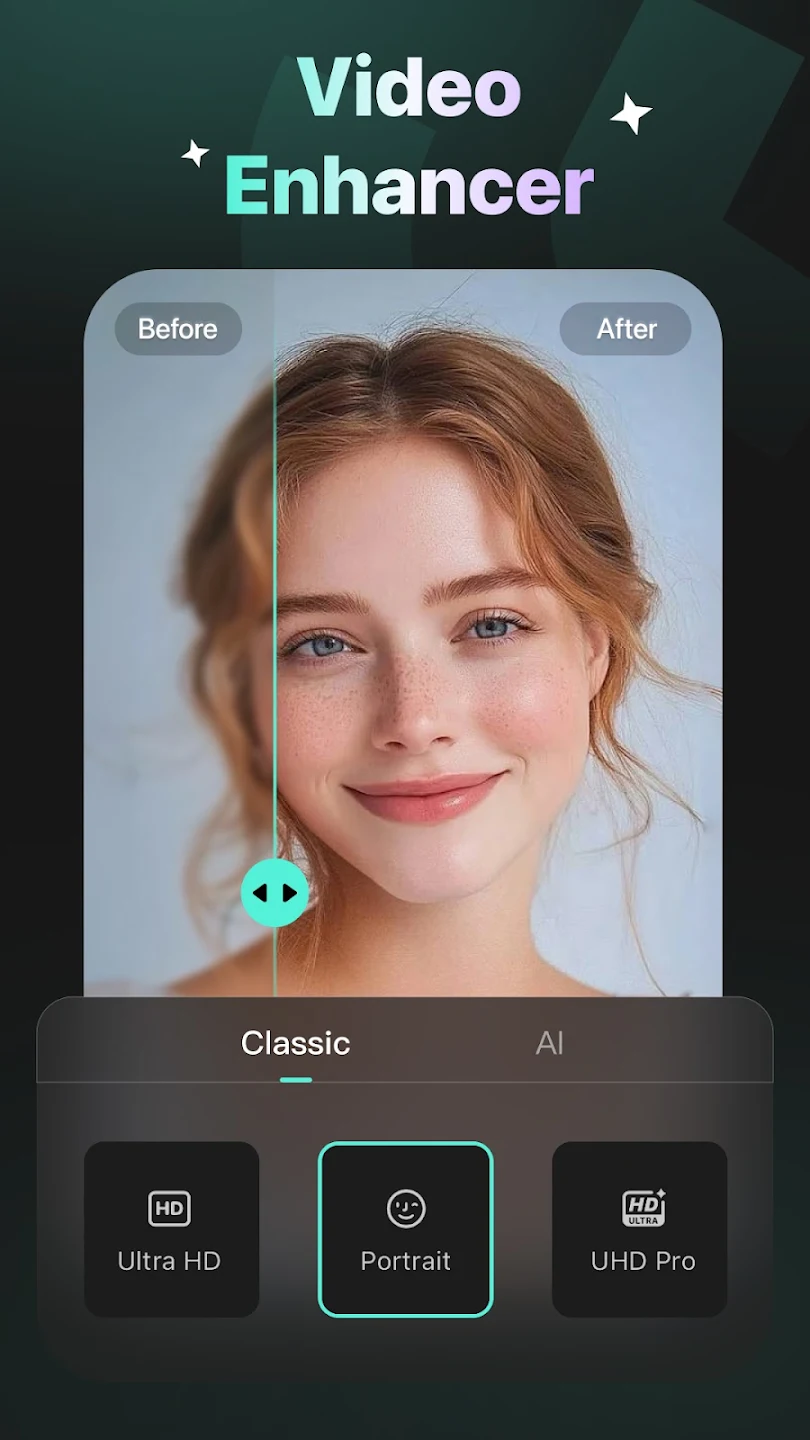
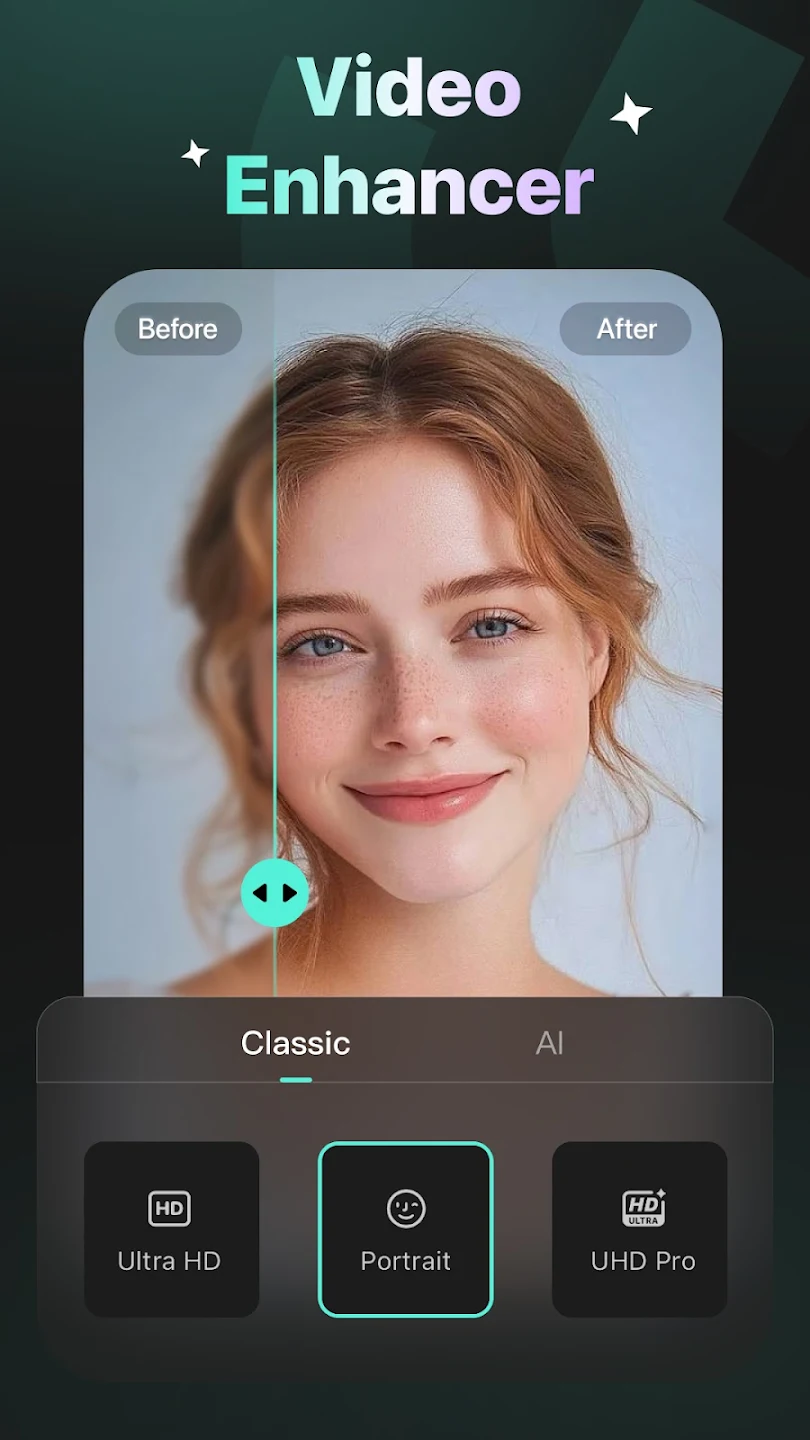
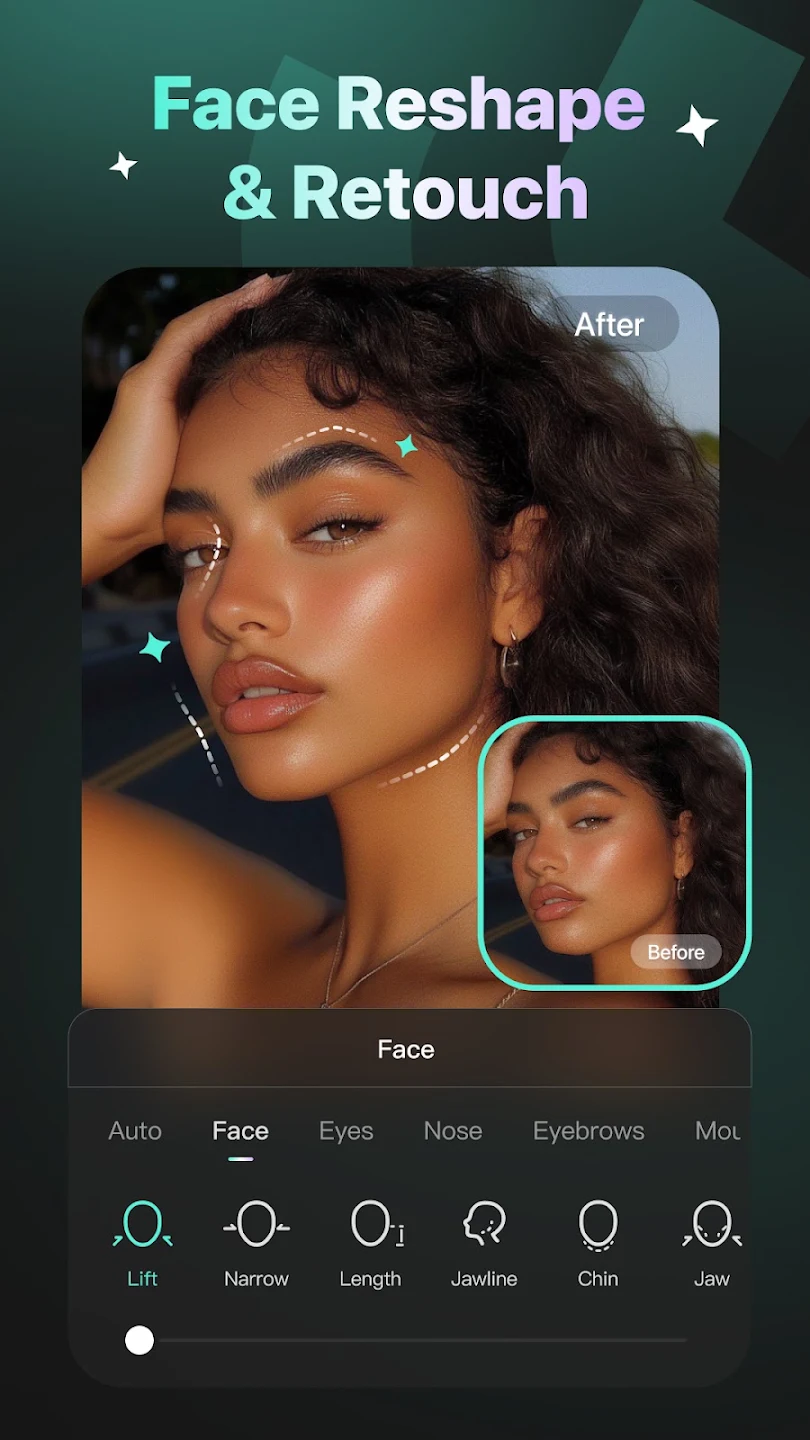
Winkit APK is an industry-leading AI video enhancement and photo restoration application developed by Meitu for Android devices. Harnessing cutting-edge deep learning neural networks, Winkit empowers content creators, mobile videographers, and everyday users to upscale low-resolution video clips into crystal-clear 4K, eliminate grain and blur, retouch facial features across dynamic motion, and apply breathtaking AI artistic stylizations with single-tap ease.
Whether you are restoring cherished vintage family footage, polishing social media reels for TikTok and Instagram, or transforming ordinary vlogs into cinematic masterpieces, Winkit delivers studio-grade visual processing directly in the palm of your hand.

Revolutionary AI Video Processing Technology
Unlike standard video editors that simply adjust contrast and sharpness filters, Winkit utilizes generative AI models trained on millions of high-definition video frames to intelligently reconstruct missing pixels, enhance textures, and stabilize frame jitter in real time.
Key Features of Winkit APK for Android
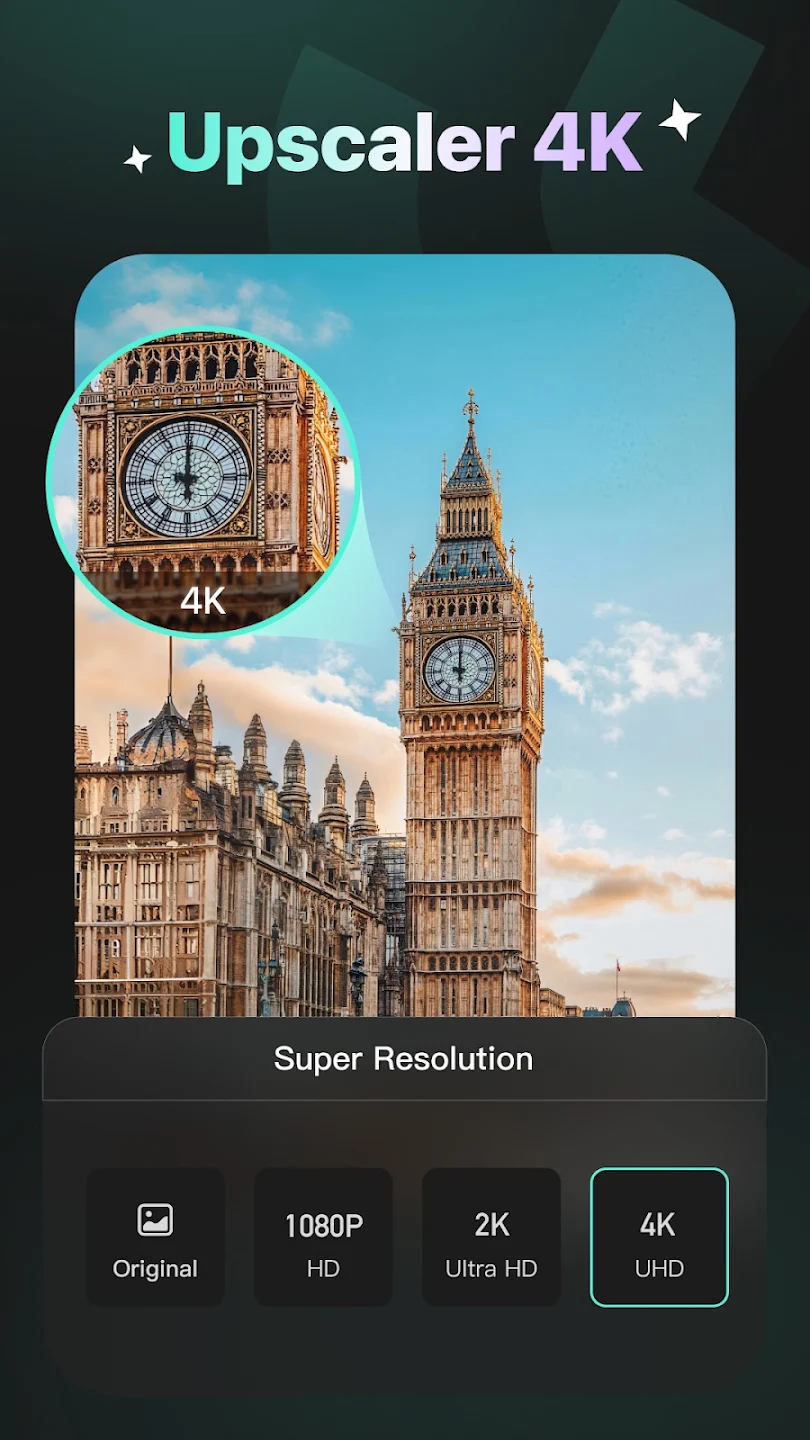
1. One-Tap AI Super-Resolution (4K Upscaling)
Instantly transform compressed 360p, 480p, or 720p footage into ultra-sharp 1080p Full HD and 4K Ultra HD video with crystal-clear edges and rich color depth.
2. Intelligent Motion Portrait Retouching
Apply natural skin smoothing, blemish removal, facial contouring, and automated digital makeup that tracks seamlessly across every frame, even during rapid head movements.

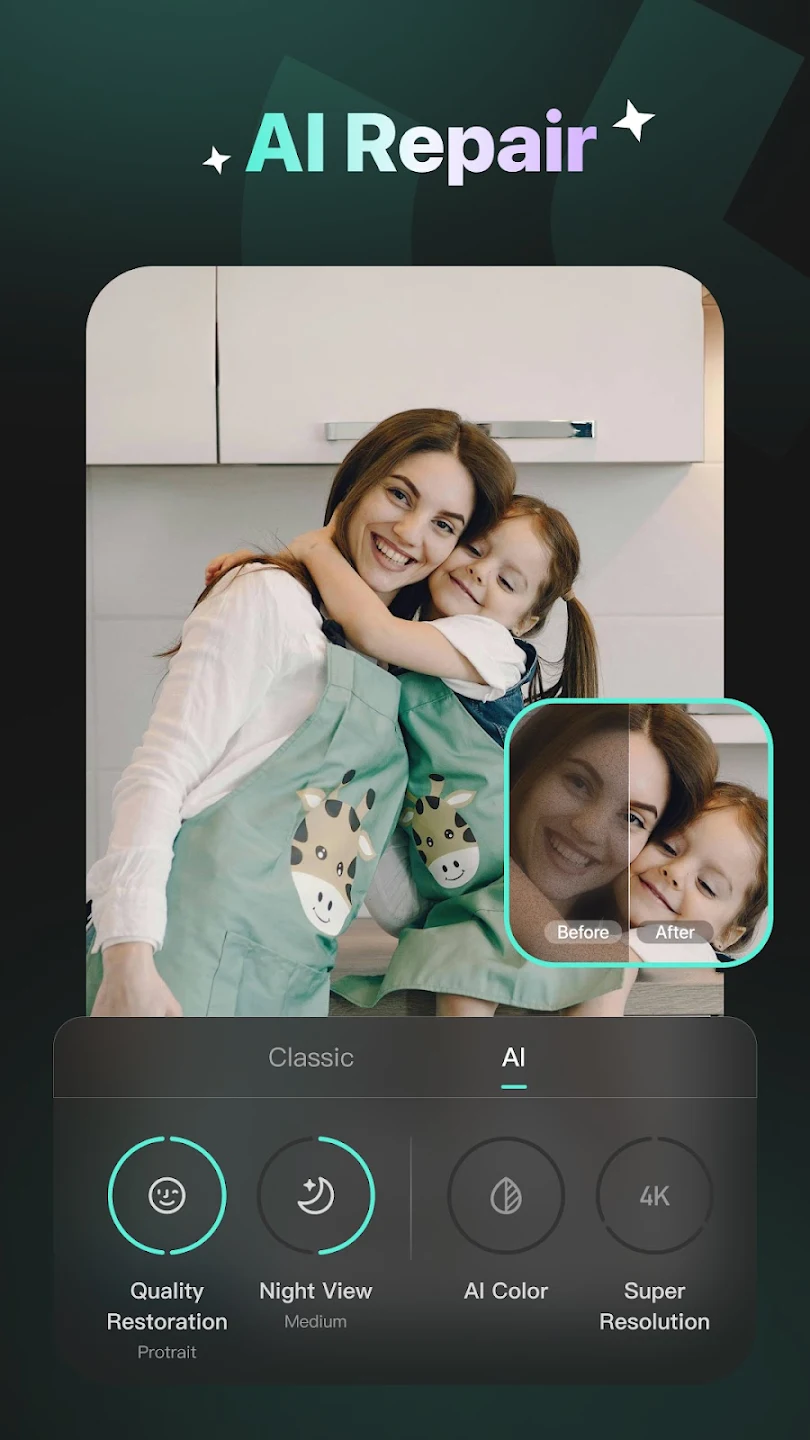
3. AI Video Noise Reduction & Night Enhancement
Eliminate unsightly digital noise, grain, and compression artifacts from low-light evening clips, restoring vibrant color fidelity and dynamic range.
4. 60 FPS / 120 FPS Frame Rate Interpolation
Convert choppy, low-framerate video recordings into silky-smooth 60 FPS or 120 FPS slow-motion clips using AI optical flow motion estimation.
5. Smart Object Removal & AI Anime Filters
Effortlessly erase photobombers, wires, and unwanted background clutter, or stylize your clips into mesmerizing Japanese anime, 3D claymation, or cyberpunk visual aesthetics.

Pro Editing Tips for Winkit Users
- Use Ultra HD Repair on Vintage Clips: For old VHS or early smartphone footage, combine 'AI Repair' with 'De-noise' for maximum detail recovery.
- Export at 60 FPS for Social Media: When editing TikTok or Instagram Reels, enable frame interpolation to ensure buttery smooth video playback.
- Leverage Batch Enhancement: Process multiple portrait clips simultaneously to maintain consistent lighting and skin tones across your entire project.
How to Download and Install Winkit APK on Android
- Download the latest clean
winkit.apkinstallation file from ModHello. - Navigate to Settings > Security and enable Install Unknown Apps for your file manager.
- Tap the downloaded APK package in your Downloads folder to install.
- Open Winkit, import your video, and let the AI elevate your content to 4K perfection!
Conclusion
Winkit APK represents the future of mobile video editing and restoration, making Hollywood-grade AI visual enhancement accessible to everyone. Download the latest verified APK today on ModHello!















No comments yet. Be the first!
Loading comments…