

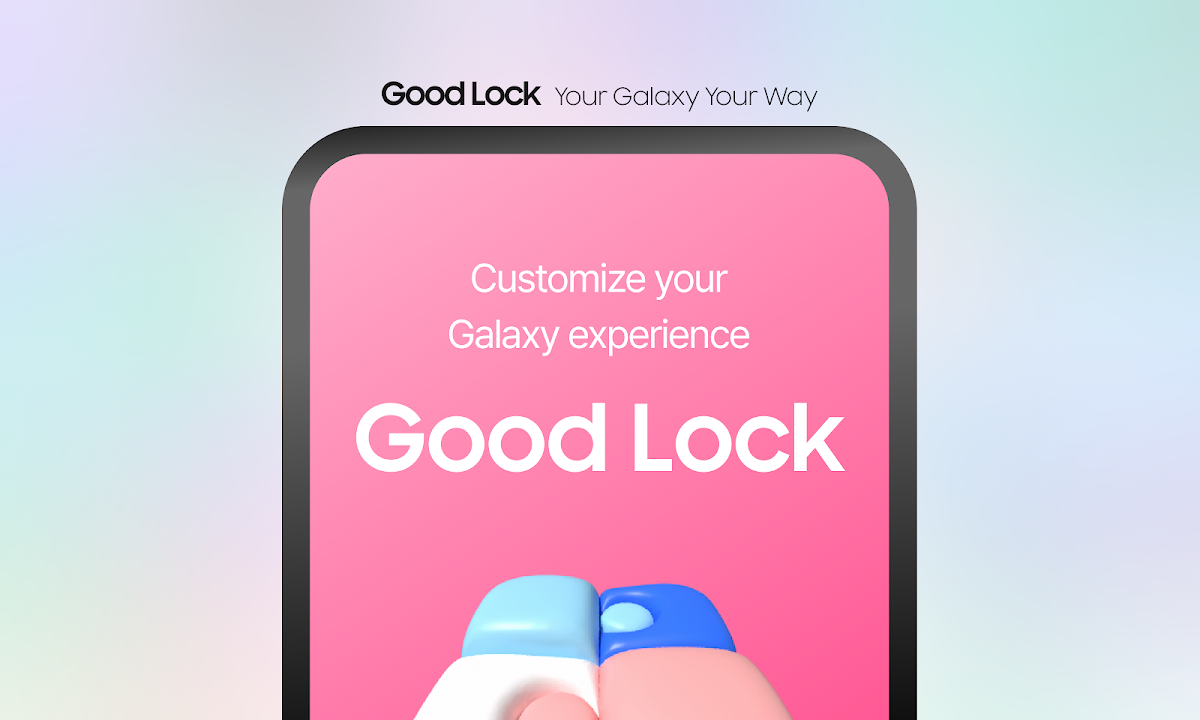
Download Samsung Good Lock APK 3.0.00.7 for Android (One UI Customization)
Unlock the full personalization potential of your Samsung Galaxy smartphone with Samsung Good Lock, the official system customization suite developed by Samsung Electronics Co., Ltd.. Created specifically for devices running Samsung One UI, Good Lock allows Galaxy users to deep-customize every element of their user interface—from the lock screen, status bar, and gesture navigation to multi-window multitasking and notification management.
Good Lock acts as an central hub for modular system extension tools including LockStar, QuickStar, HomeUp, NavStar, ClockFace, Theme Park, SoundAssistant, and MultiStar. With Samsung Good Lock APK 3.0.00.7, bypass regional Galaxy Store geographic restrictions and install all Good Lock suite modules directly on any Samsung Galaxy device!
Key Modules Included in Samsung Good Lock
- LockStar & ClockFace: Customize your Always-On Display (AOD) and Lock Screen layout with unique clock styles, custom widgets, and notification positions.
- QuickStar: Redesign your Quick Settings drop-down panel grid, customize status bar icons (hide battery percentage/alarm icons), and adjust color themes.
- HomeUp: Deeply customize your Samsung One UI Home launcher grid size, folder pop-up styles, task changer layout (Grid, Stack, Slim List), and blur background effects.
- NavStar: Modify your navigation bar buttons, create custom gesture hints, or add extra action buttons (camera shortcut, screen capture) to the nav bar.
- Theme Park: Create custom system-wide color palettes based on your wallpaper, custom icon packs, and keyboard themes.
- SoundAssistant: Set individual volume sliders for specific apps (e.g. adjust Spotify volume separately from YouTube), change equalizer presets, and route audio to dual Bluetooth speakers.
- MultiStar: Enhance multi-window pop-up view, enable forced split-screen mode for non-supported apps, and optimize Galaxy Z Fold / Z Flip foldable screen multi-tasking.
App Specifications
| Specification | Details |
|---|---|
| App Name | Good Lock |
| Package Name | com.samsung.android.goodlock |
| Developer | Samsung Electronics Co., Ltd. |
| Current Version | 3.0.00.7 |
| File Size | 12.5 MB |
| Category | Apps > Personalization / Tools |
| Requires System | Samsung One UI (Android 8.0 and up) |
How to Install & Set Up Samsung Good Lock APK
- Download APK: Click the download link on this page to get the official
Samsung Good Lock APKfile. - Enable Unknown Sources: Go to Android Settings > Security > Install Unknown Apps and grant permission to your browser or file manager.
- Install Application: Open your File Manager, tap the downloaded APK, and press Install.
- Download Desired Modules: Open Good Lock, browse the Make Up and Life Up tabs, tap any module (LockStar, QuickStar, HomeUp), and activate your customized Galaxy Experience!














No comments yet. Be the first!
Loading comments…