

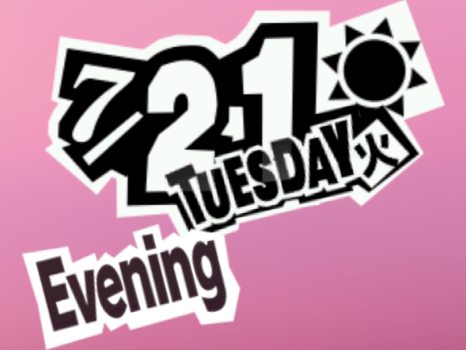
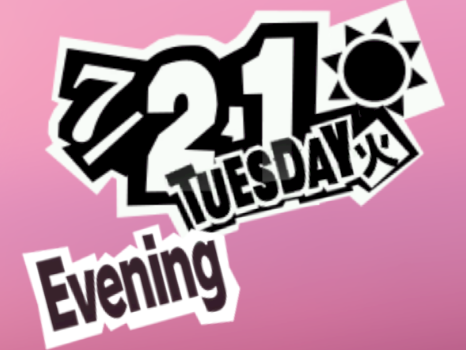
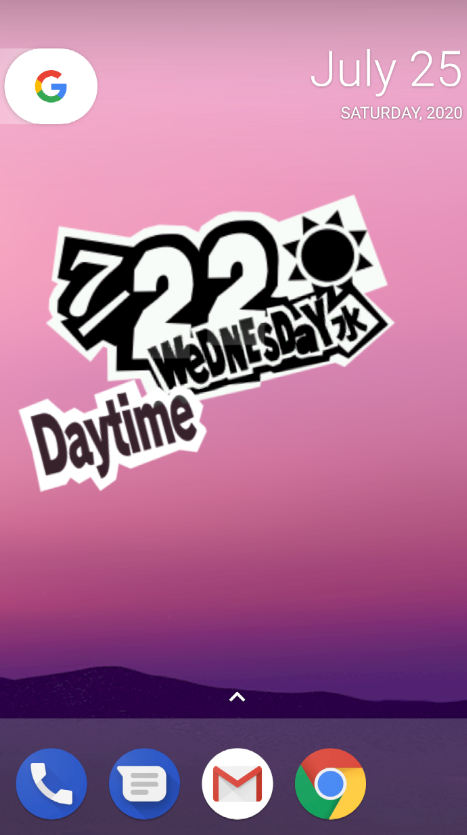
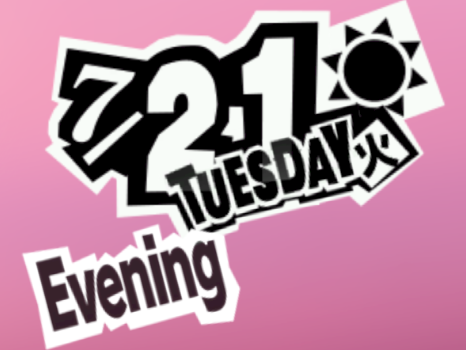
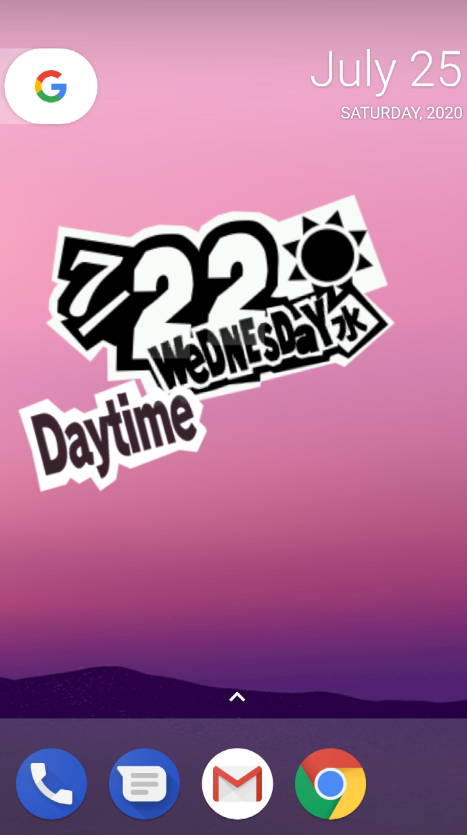
Transform your Android device into the ultimate stylish Phantom Thieves terminal with Persona 5 Widget (v1.2.1) by Blueberry. Meticulously replicating the iconic visual identity, dynamic acid-jazz aesthetic, and calendar time-tracking interface of the legendary JRPG masterpiece Persona 5, this widget brings the unmistakable swagger of Shujin Academy and the Metaverse directly to your home screen.
The Iconic Aesthetic of Persona 5 on Your Home Screen
Few video games in modern history possess a graphic design philosophy as celebrated and instantly recognizable as Persona 5. With its bold black-and-red comic book typography, jagged speech banners, and expressive time-of-day indicators, the user interface is a work of art. Persona 5 Widget captures this complete visual experience, turning standard Android clock and calendar displays into a vibrant homage to the Phantom Thieves of Hearts.
Key Features of Persona 5 Widget APK v1.2.1
1. Authentic Persona 5 Calendar & Clock HUD
Experience a pixel-perfect replica of the in-game calendar head-up display. The widget dynamically showcases the current day of the week, numerical date, month, and exact real-time hour in high-contrast stylized fonts matching the original game.
2. Dynamic In-Game Time-of-Day Phase Transitions
Just like Joker navigating Tokyo, your widget dynamically changes its status indicator throughout the day. Watch your home screen shift seamlessly across distinct time periods: Early Morning, Morning, Lunchtime, Afternoon, After School, and Evening as the clock ticks forward.
3. Real-Time Dynamic Weather Integration
Synchronize your widget with local weather forecasts. The widget displays charming animated weather icons (such as sunny clouds, pouring rain, falling snow, and cloudy haze) rendered in the signature stylized graphic novel art style of Atlus.
4. Customizable Palace Infiltration Deadline Countdown
Keep your daily goals and critical deadlines sharp. The built-in countdown tracker allows you to set custom target dates—whether for academic exams, project deadlines, holidays, or upcoming game releases—displaying a dramatic 'Days Until Deadline' counter.
5. Interactive Sound Effects & Tap Actions
Tap on the widget to trigger authentic in-game acoustic sound effects, such as menu clicks and calling card fanfares. You can also assign quick-launch shortcut actions to open your default alarm clock, calendar app, or weather forecast upon tapping.
6. Zero-Drain Battery Optimization & Resizable Grid Layouts
Designed with efficiency in mind, the widget utilizes native Android Canvas rendering rather than heavy web wrappers. It supports standard 4x2, 4x1, and resizable launcher grids with negligible battery and memory impact.
Pro Setup Tips for the Ultimate Persona 5 Home Screen
Pair with Dark & Minimalist Wallpapers
To make the high-contrast red, yellow, and monochrome accents pop, set a clean dark, urban Tokyo, or black-and-white manga wallpaper behind the widget.
Adjust Custom Launcher Padding
If using advanced launchers like Nova Launcher, Niagara, or Lawnchair, disable widget padding and enable sub-grid positioning to align the widget edge-to-edge for a truly integrated console look.
How to Download and Install Persona 5 Widget APK on Android
Follow these easy steps to configure the Persona 5 Widget on your Android phone:
- Download the APK: Tap the verified download link above to obtain the official
Persona 5 Widget v1.2.1.apkpackage. - Enable Unknown Sources: Go to Settings > Security > Install Unknown Apps and grant permissions to your browser or file manager.
- Install the App: Open your Downloads folder, tap the APK, and select Install.
- Add the Widget: Long-press an empty spot on your home screen, choose Widgets > Persona 5 Widget, place it on your screen, and awaken your Phantom Thief style!
Final Summary
Persona 5 Widget is the definitive customization tool for every Persona and anime fan on Android. Blending jaw-dropping visual flair, dynamic real-world utility, and customizable mission countdowns, it breathes fresh life into your daily mobile routine. Download the official Persona 5 Widget APK v1.2.1 today and steal the show!














No comments yet. Be the first!
Loading comments…