
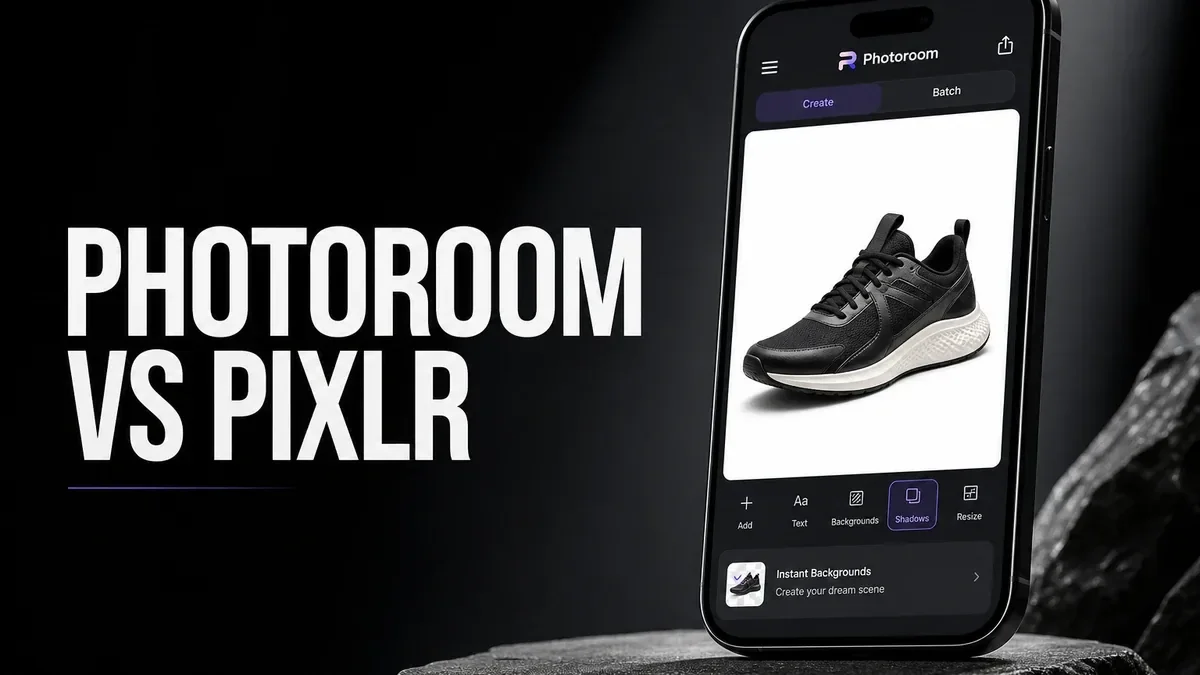
General photo editors try to improve the whole image. Product-focused tools solve a narrower problem: isolate the subject cleanly so the photo can work as a listing, catalog image, social post, or brand asset instead of a casual snapshot.
That is the key difference in the Photoroom vs Pixlr comparison. Pixlr is a flexible image editor with creative tools, filters, overlays, and adjustment options. Photoroom is more specialized. It is built around removing backgrounds, placing subjects on cleaner canvases, and making images look ready for commercial use.
The Real Question Is Not Which App Has More Tools
It is easy to compare mobile photo apps by counting features: filters, templates, AI effects, retouching, color tools, stickers, and exports. But feature count does not answer the practical question most users have. Are you trying to finish a photo, or are you trying to turn a subject into a reusable product asset?
If the photo itself needs creative editing, Pixlr often gives you more room to work. If the subject is already clear and the background is the main problem, Photoroom is usually the faster and cleaner choice. The best app is not always the most creative one. It is the one that matches the job you repeat most often.
Why Product Cutouts Need a Different Workflow
Creative editors usually treat the original image as the center of the project. You adjust brightness, repair distractions, add style, sharpen details, or change the mood of the whole frame. Product cutout tools work differently. They assume the subject needs to be separated from its original environment and placed into a more consistent layout.
That changes the definition of a good result. A personal portrait can feel better after careful color work. A product image can still fail if the background is uneven, the edges are rough, the shadows look wrong, or the final images do not match across a shop or catalog.
This is where Photoroom makes sense. It should not be judged as a lighter version of Pixlr. It is designed for a different output: clean subject cutouts, simple background replacement, and product-ready framing.
What Photoroom Does Better
Photoroom is stronger when background removal, subject placement, and consistent product presentation are the repeated bottlenecks. Sellers, small businesses, resellers, and creators who prepare many similar images can benefit from a workflow that starts with the subject rather than the full photo.
- Faster subject isolation: Photoroom is built to detect and separate the main object quickly.
- Cleaner listing backgrounds: It helps replace distracting scenes with simpler, more commercial-looking layouts.
- More consistent exports: It is useful when multiple product photos need to look like part of the same set.
- Less manual editing: For simple product shots, it can reduce the need for detailed masking and cleanup.
The trade-off is depth. Photoroom is less convincing when the source image still needs serious color correction, heavy retouching, advanced layer work, or detailed creative manipulation before the cutout even matters.
Where Pixlr Is the Better Choice
Pixlr is better when the image itself still needs flexible editing. If you need to adjust tone, add creative effects, clean up a scene, combine visuals, or experiment with style, Pixlr gives you a broader editing space. It is more useful for users who do not always know the final look before they begin.
In simple terms, Pixlr is better for unfinished photos. Photoroom is better for unfinished backgrounds. If the image quality is the problem, start with a general editor. If the environment behind the subject is the problem, Photoroom is the more direct tool.
For more background-focused editing guidance, see the Pixlr background remover guide. For broader Android editing comparisons, you can also read best Photoshop alternatives on Android and Pixlr vs Canva.
Best For and Not Ideal For
Photoroom is best for: product photos, resale listings, catalog images, marketplace posts, profile-style subject cutouts, and clean subject-on-canvas exports.
Pixlr is better for: creative edits, flexible image cleanup, filters, overlays, design-style adjustments, and photos that need visual improvement before any background swap matters.
Photoroom is not ideal for: users who mainly want deep retouching, advanced color work, artistic effects, or one-tap enhancement of old personal photos.
The biggest cost of Photoroom is its narrow focus. That narrowness is useful when you need product cutouts often, but it can feel limiting when your real problem is overall image quality.
How to Decide Before You Install
Before choosing between Photoroom and Pixlr, look at one real image you need to edit and ask what is actually unfinished. Is the lighting poor? Is the color wrong? Are details soft? Does the photo need repair? If yes, start with Pixlr or another broader editor.
If the subject already looks usable and the background is the blocker, Photoroom becomes the more efficient option. Test it with a real product photo, not a perfect sample image. The right tool should make your normal workflow faster, not just look impressive in a demo.
If you install apps manually on Android, use a trusted source and check version compatibility before installing. If you run into installation problems, this APK parsing error fix may help.
Final Recommendation
Choose Photoroom when your repeated job is clean subject isolation and product-ready presentation. Choose Pixlr when the photo still needs broader editing, creative control, or image repair before the background matters.
In short: Photoroom is better for listing assets and product cutouts. Pixlr is better for flexible photo editing.